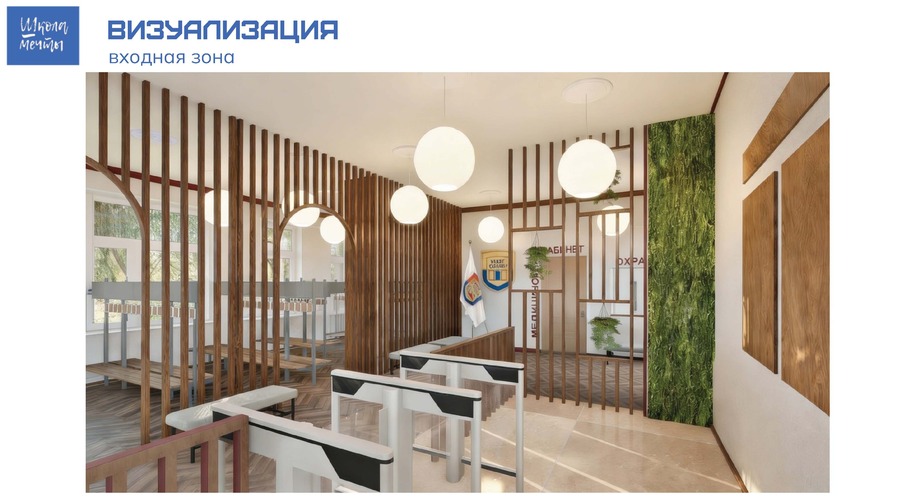
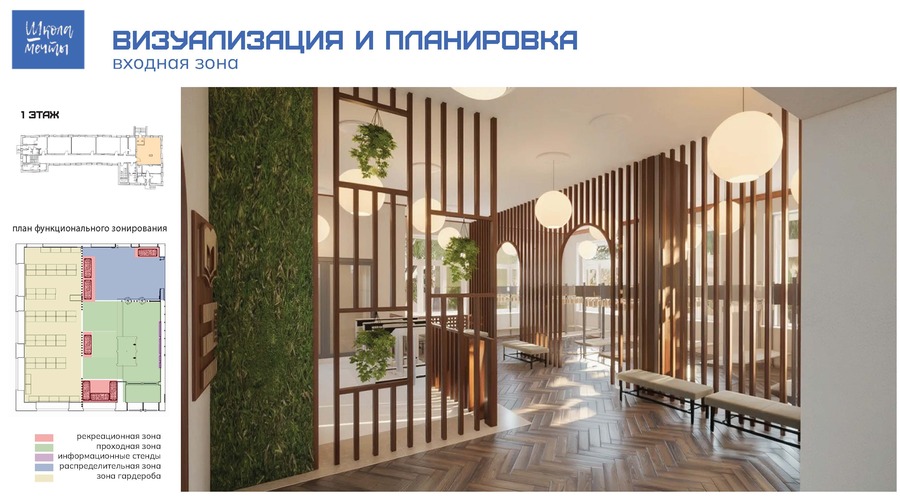
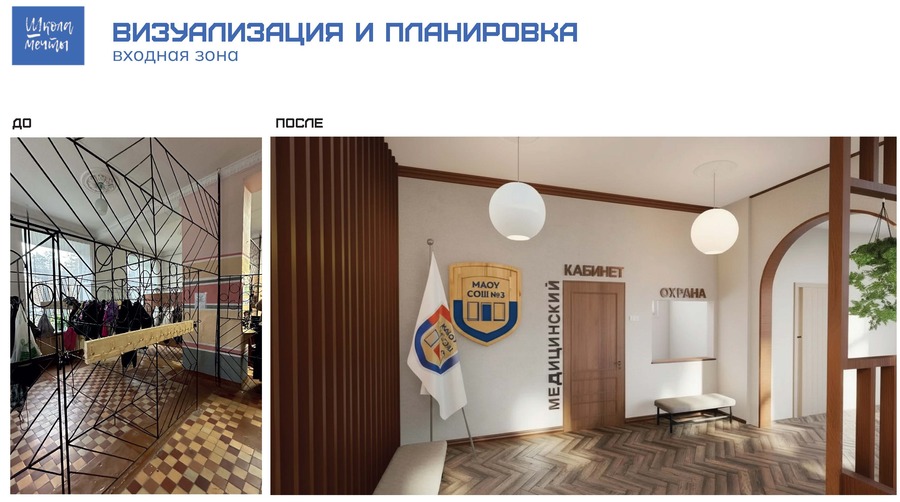
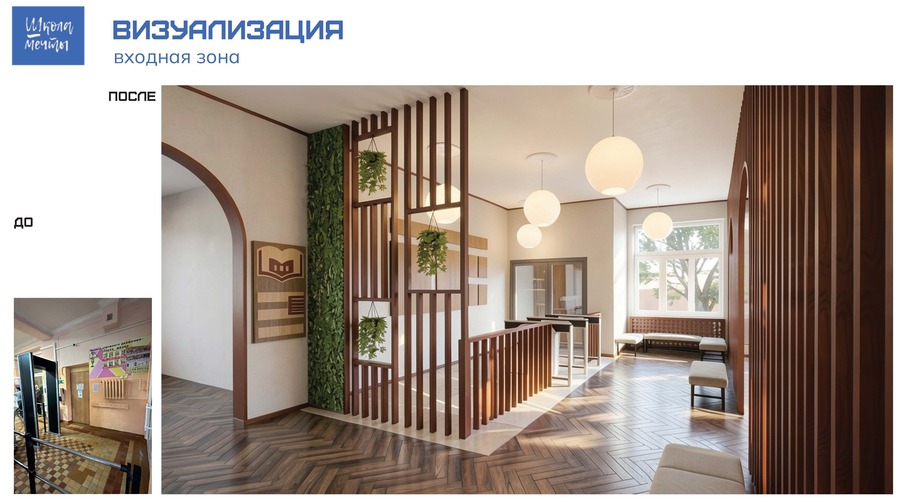
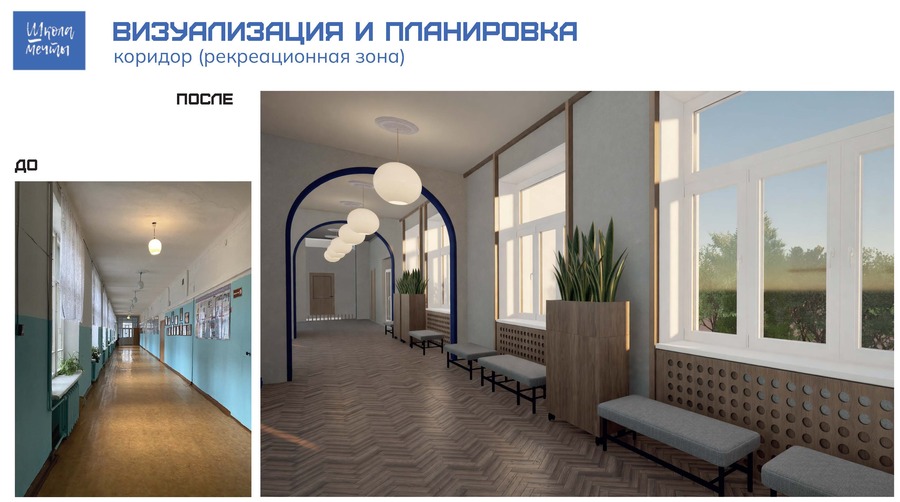
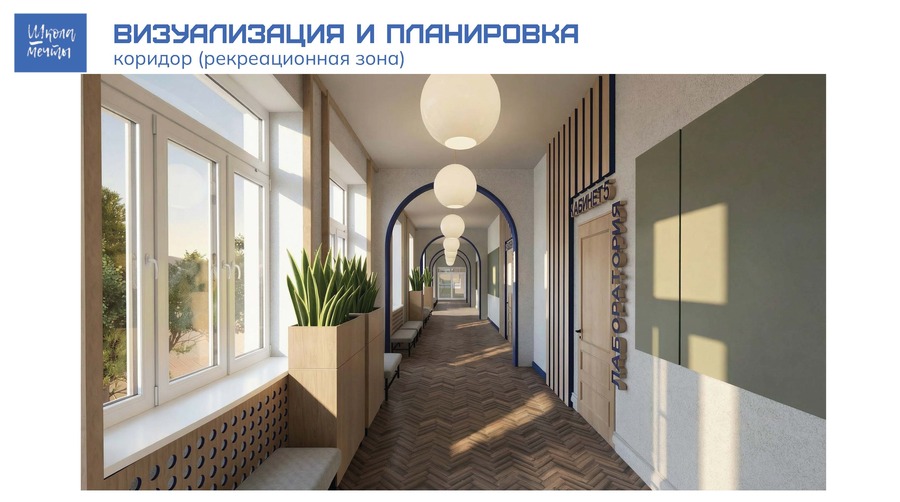
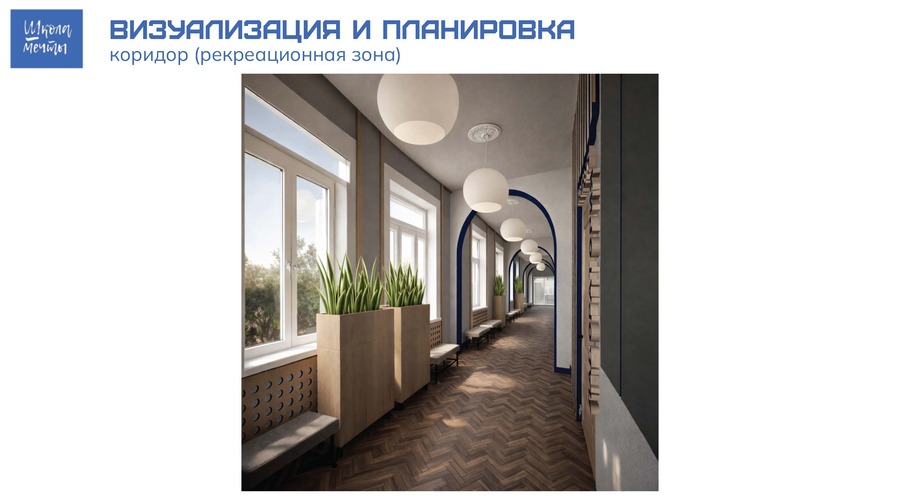
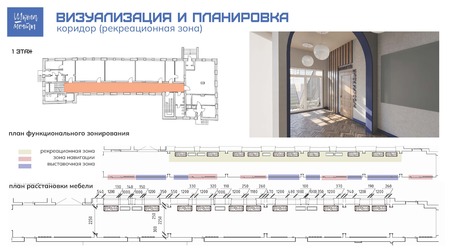
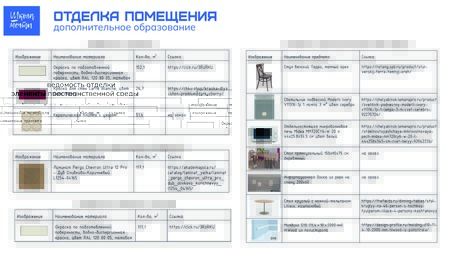
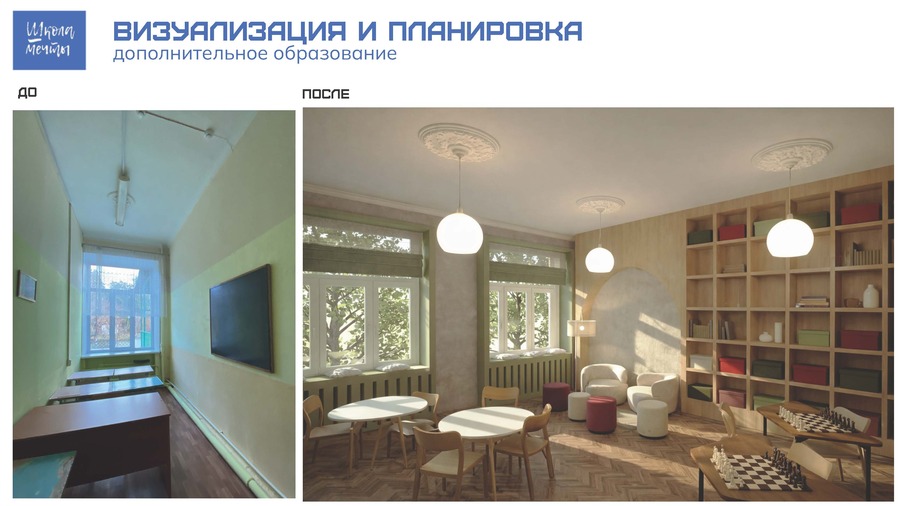
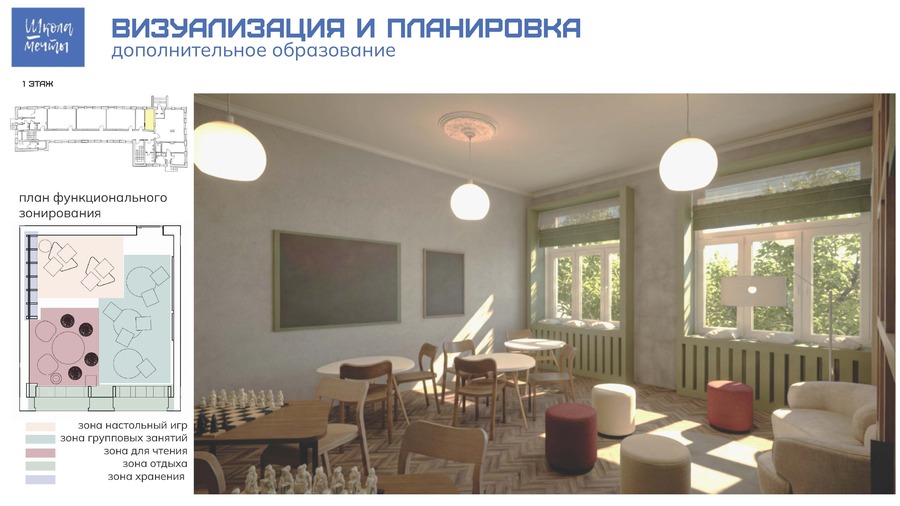
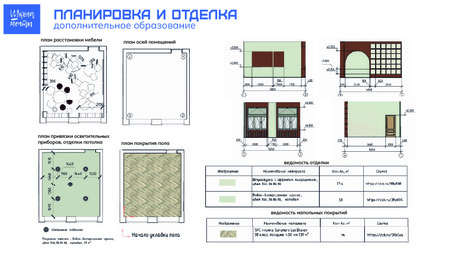
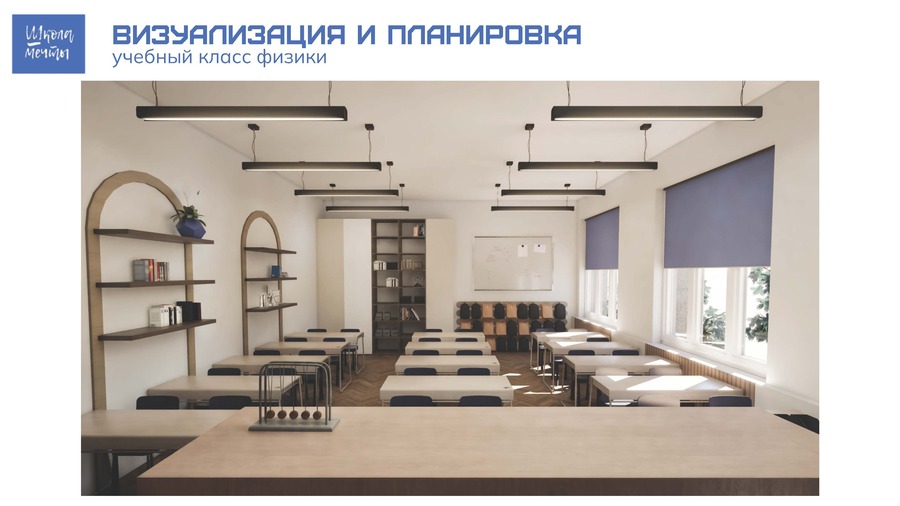
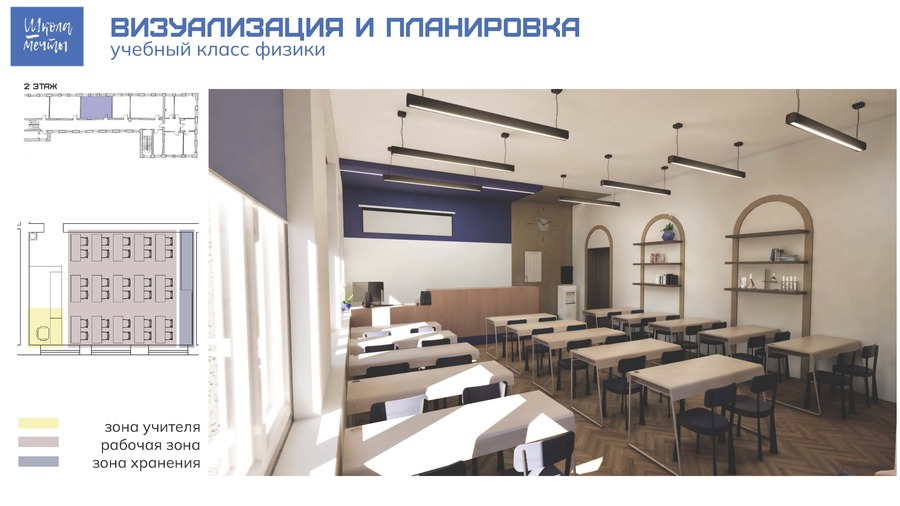
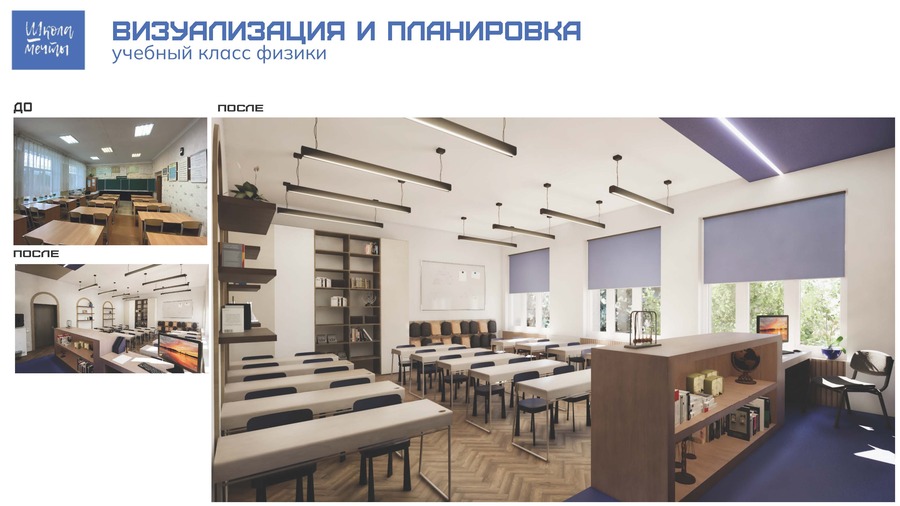
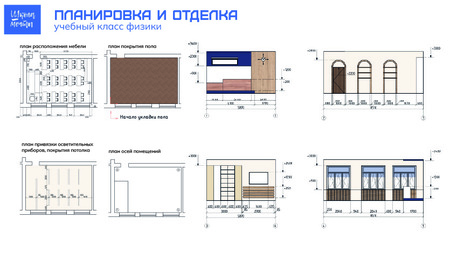
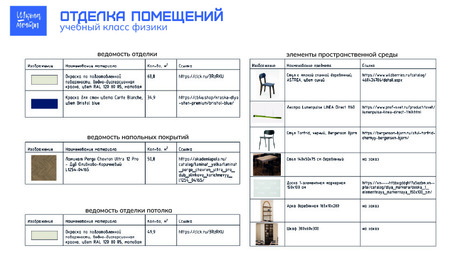
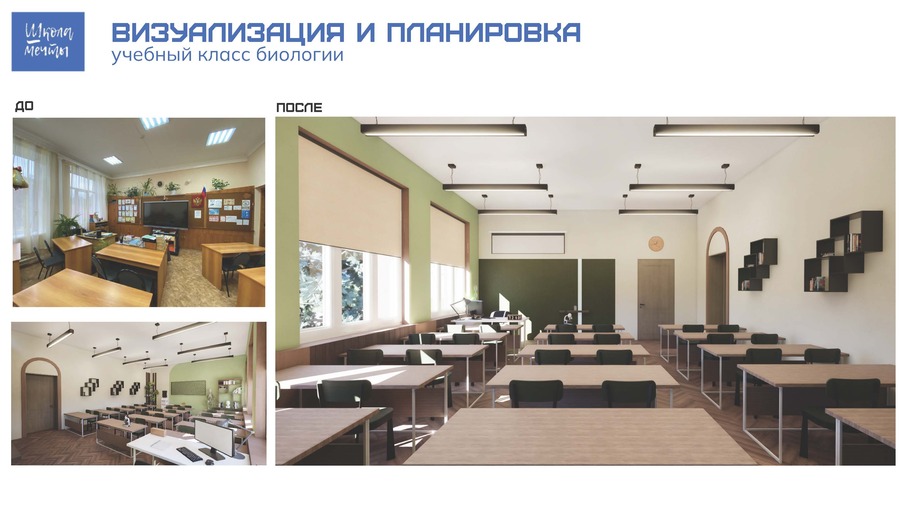
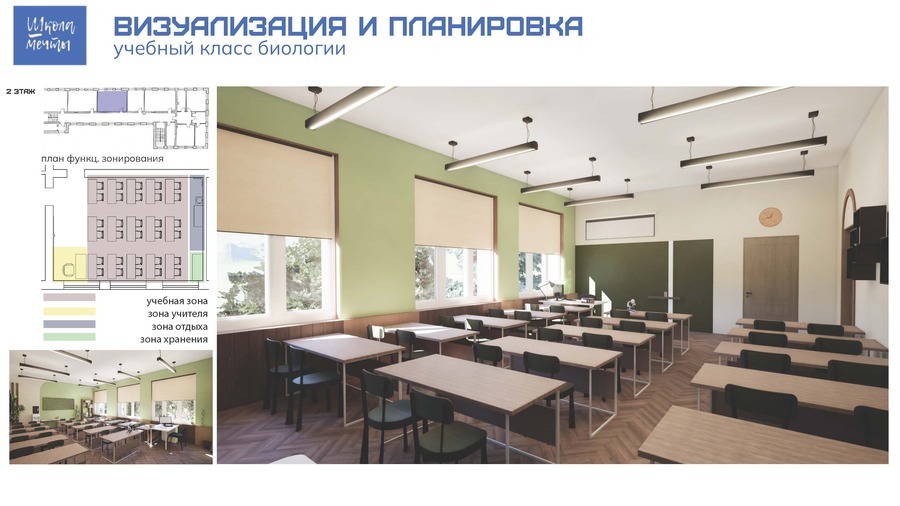
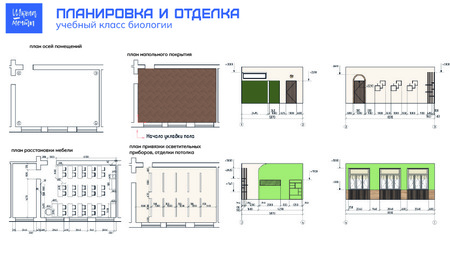
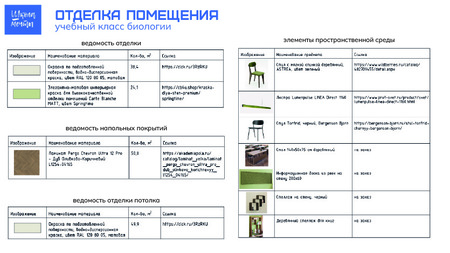
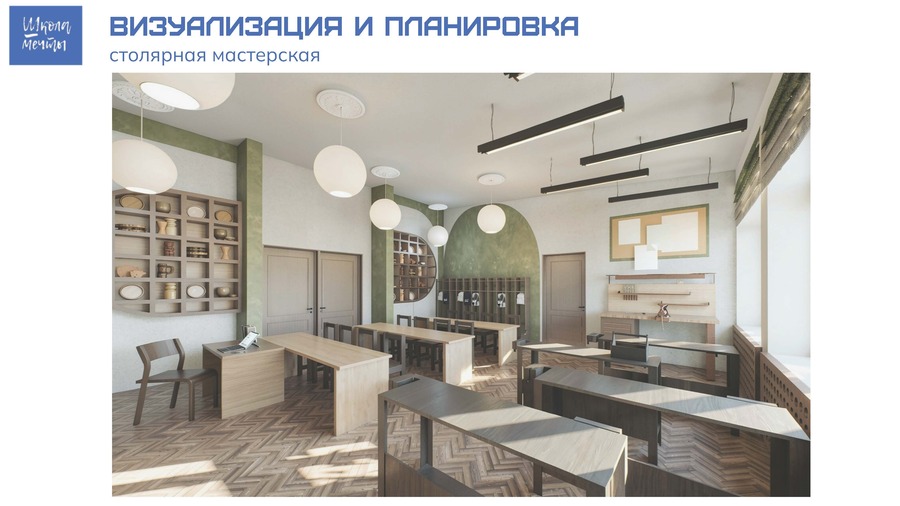
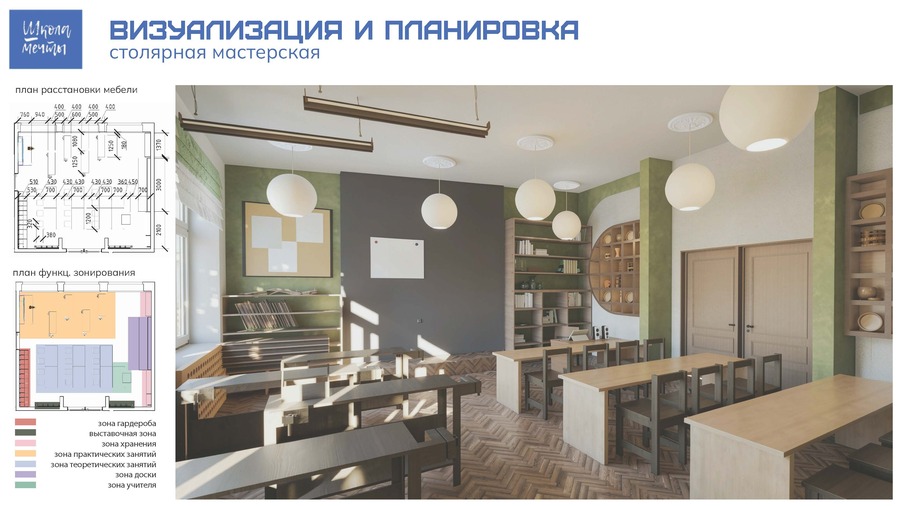
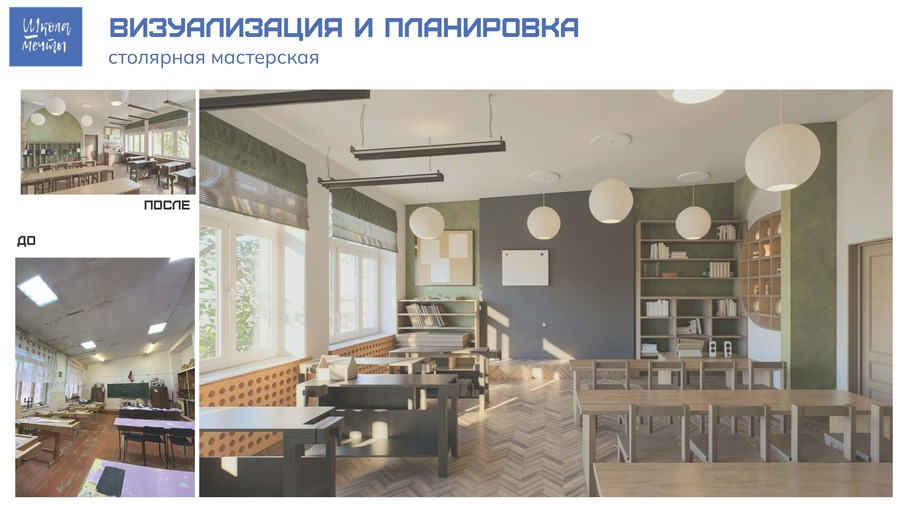
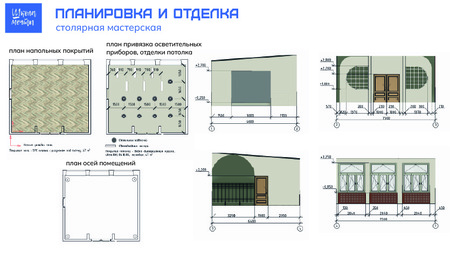
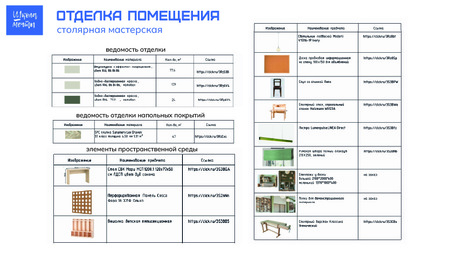
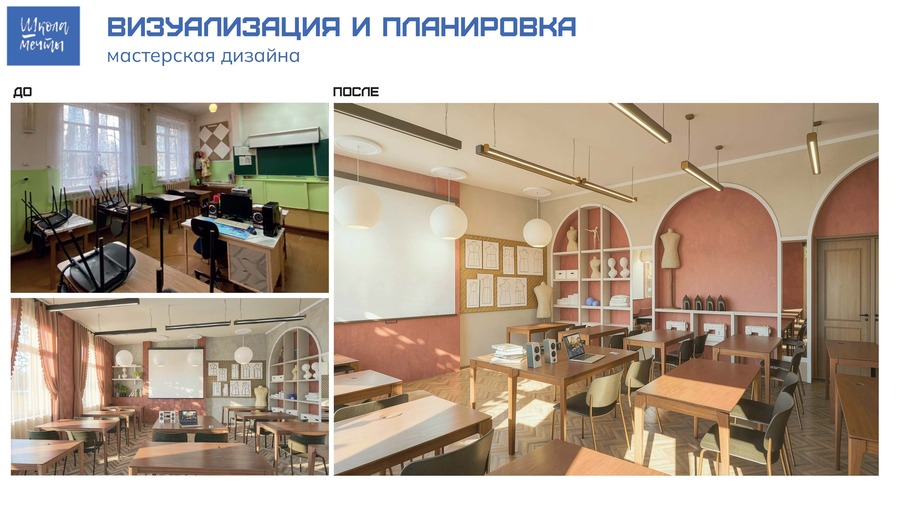
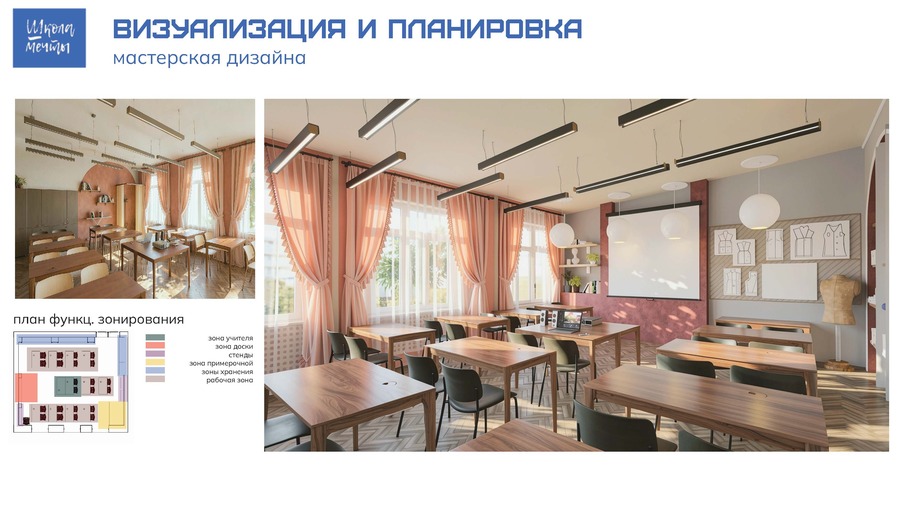
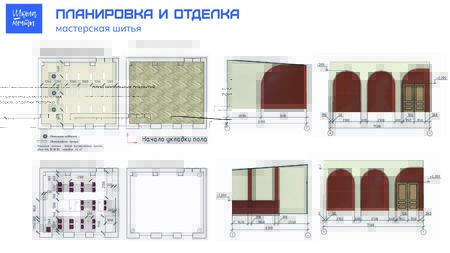
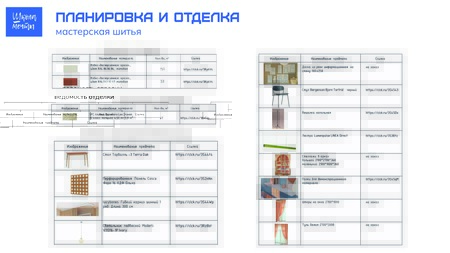
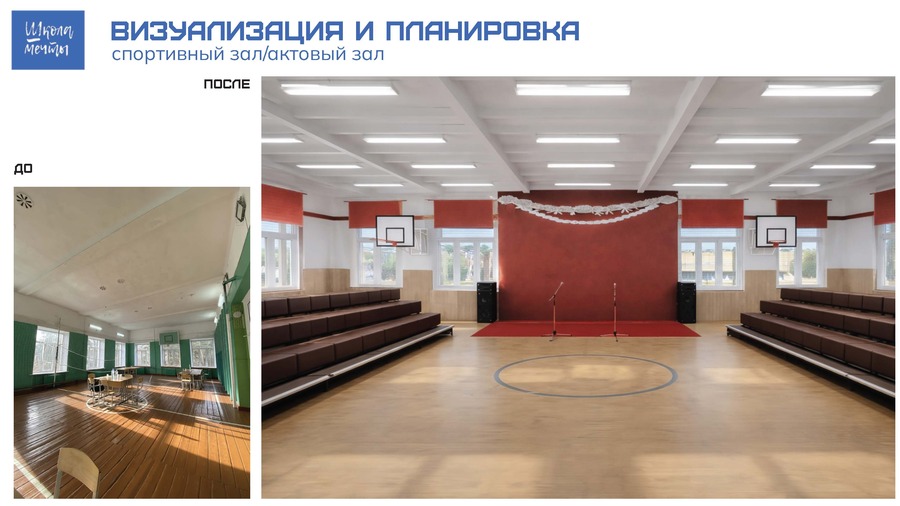
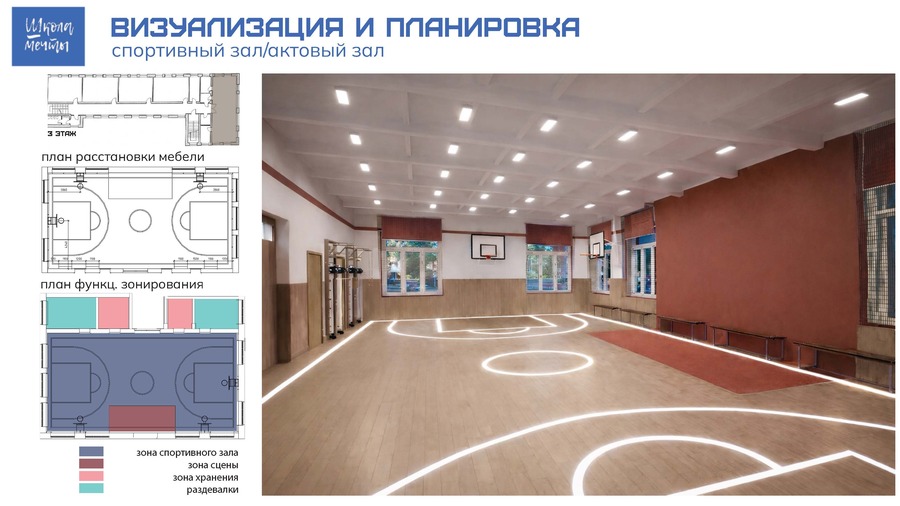
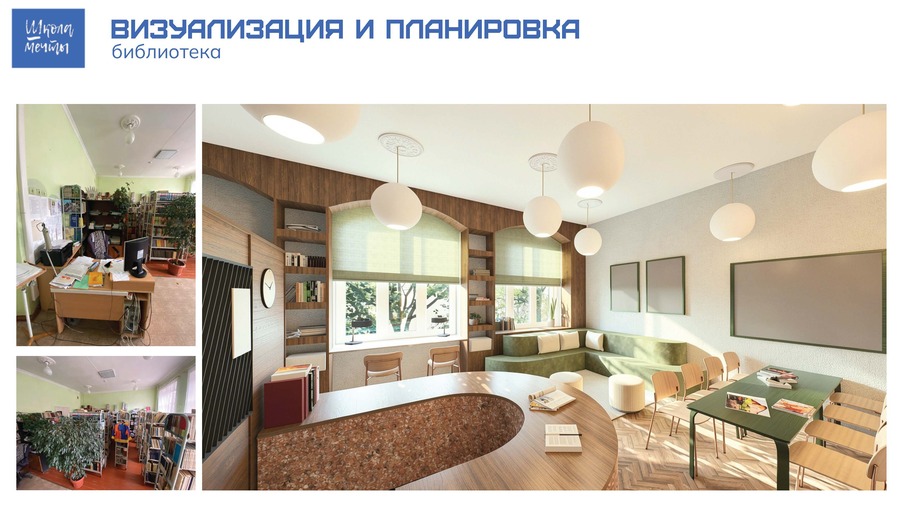
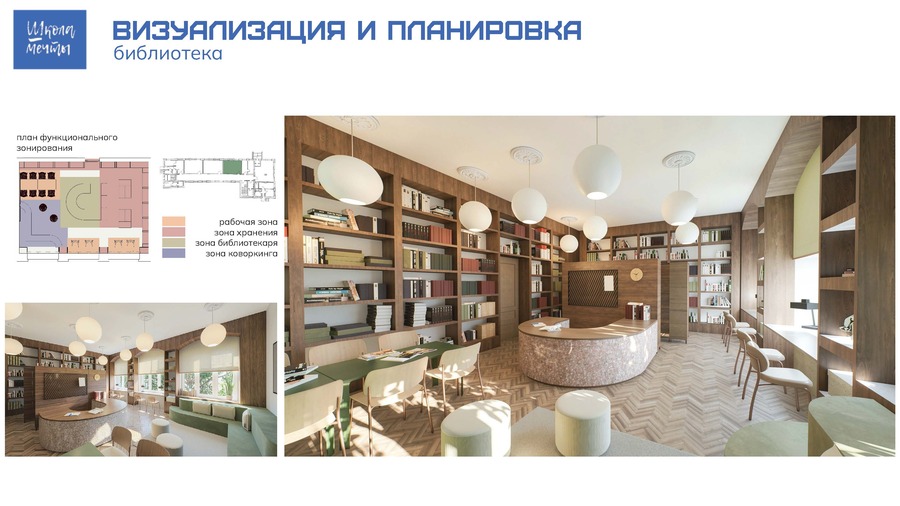
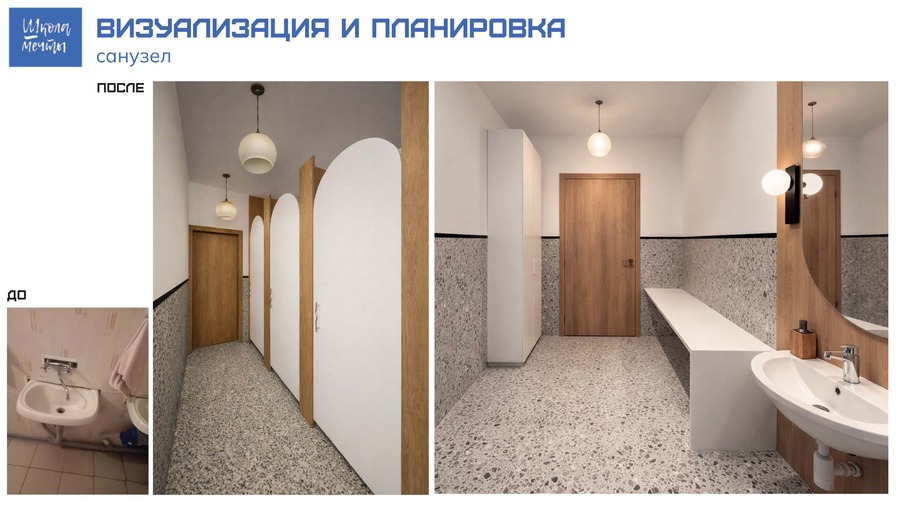
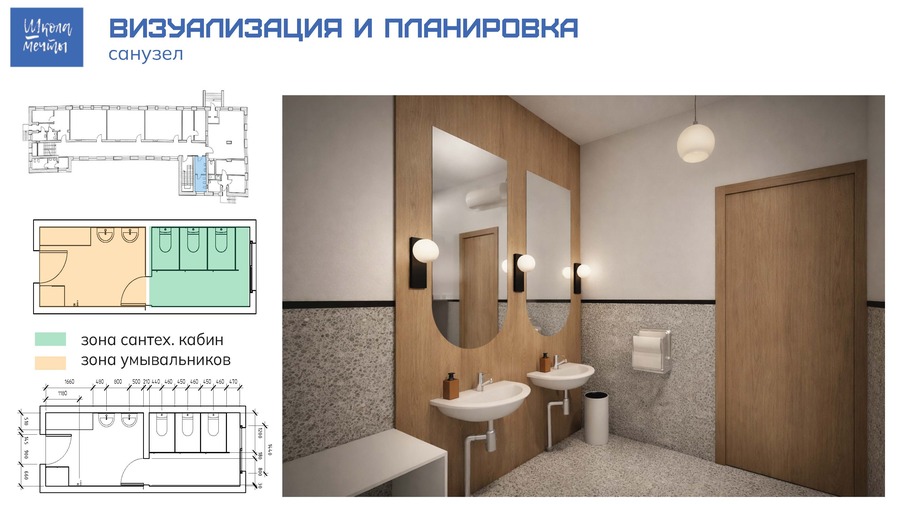
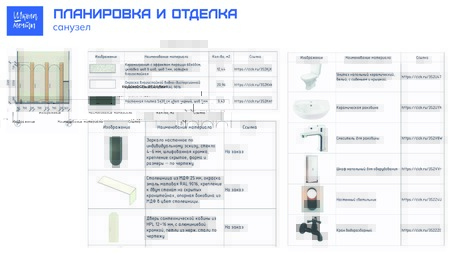
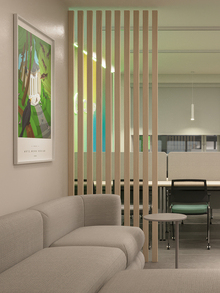
Представляем вам архитектурно-дизайнерскую концепцию реновации СОШ № 3 города Миасс, разработанную в рамках федерального проекта «Школа мечты». Команда рассматривает проект не просто как капитальный ремонт, а как глубокую морфологическую трансформацию образовательного пространства в соответствии с требованиями XXI века.
Для нас «Школа мечты» — это возможность создать место, которое вдохновляет детей на успех. Мы верим, что школьная среда должна быть удобной и помогать ребенку чувствовать себя важным и ценным, вдохновлять на творчество.
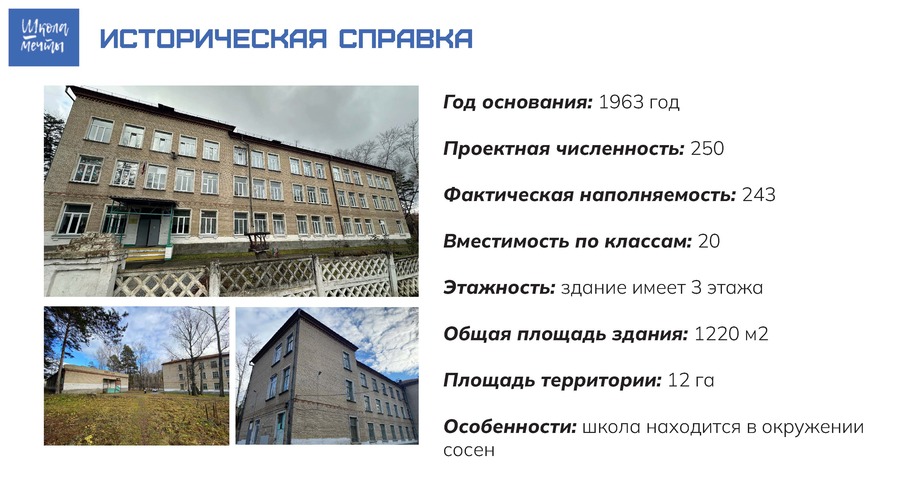
Историческая справка
Исходный размер 3508x1955
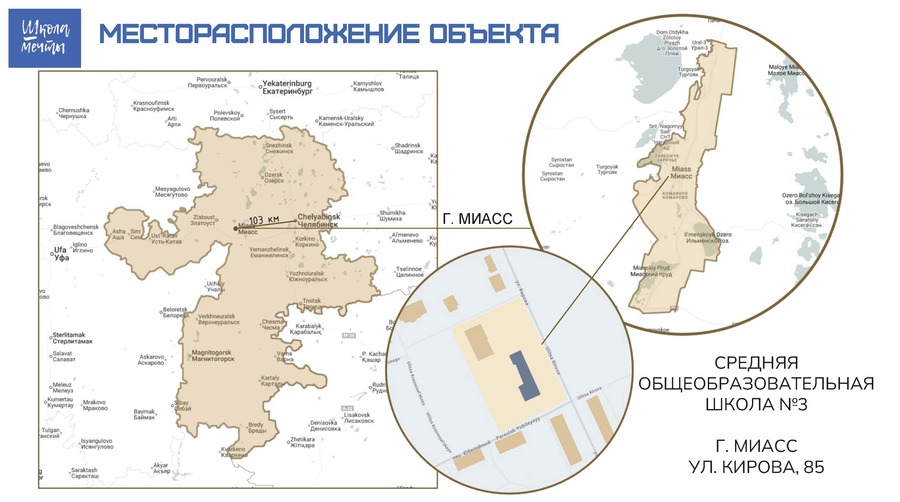
Месторасположение
Исходный размер 3508x1955
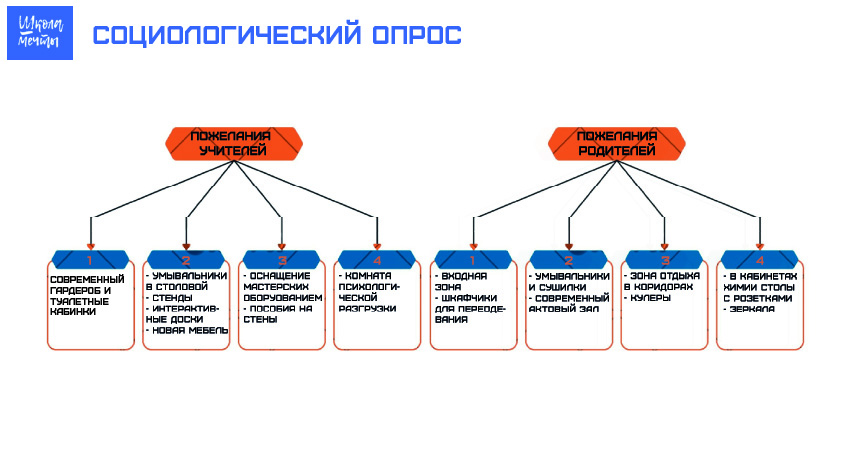
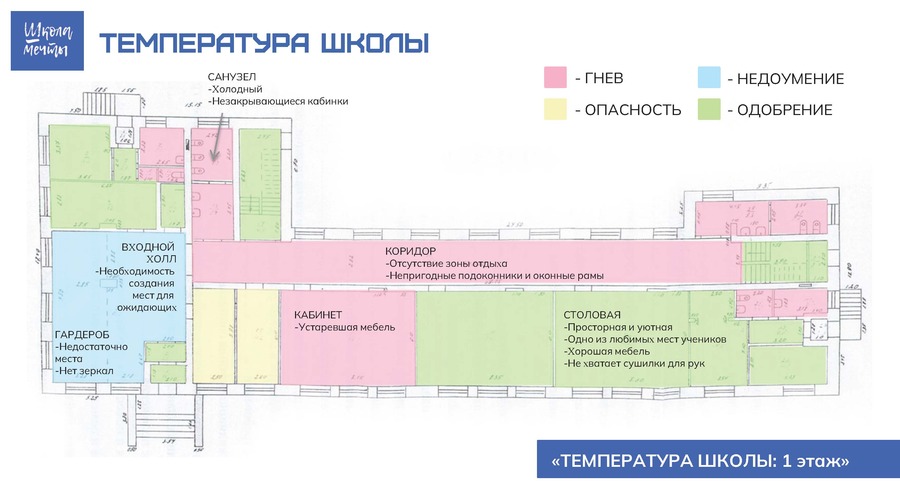
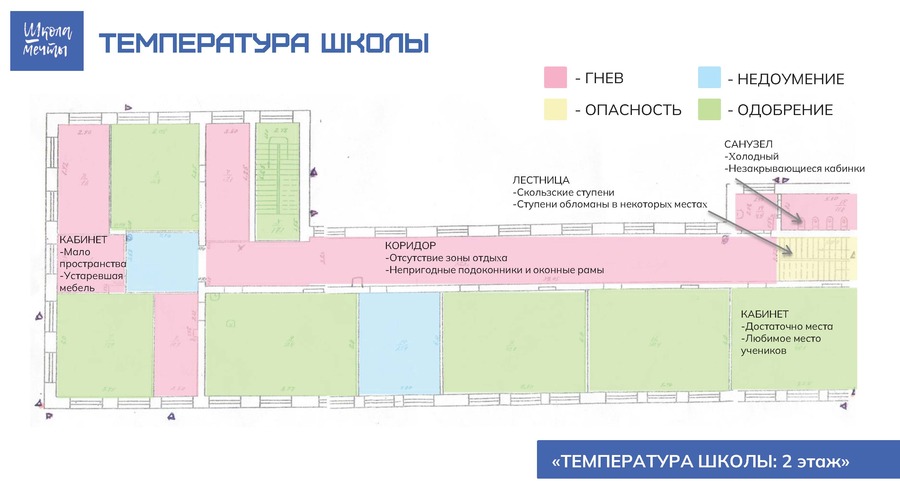
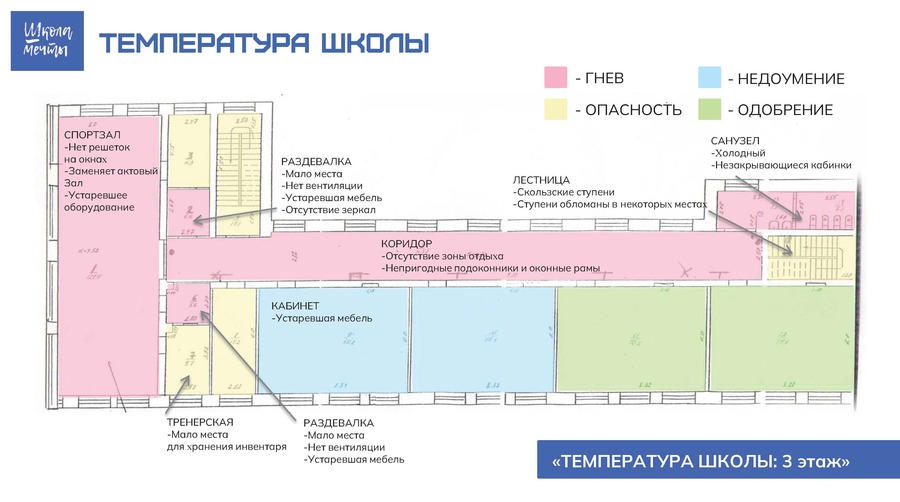
Соучаствующее проектирование: температура школы, социологический опрос
0
0
0
0
0
0
0
0
0
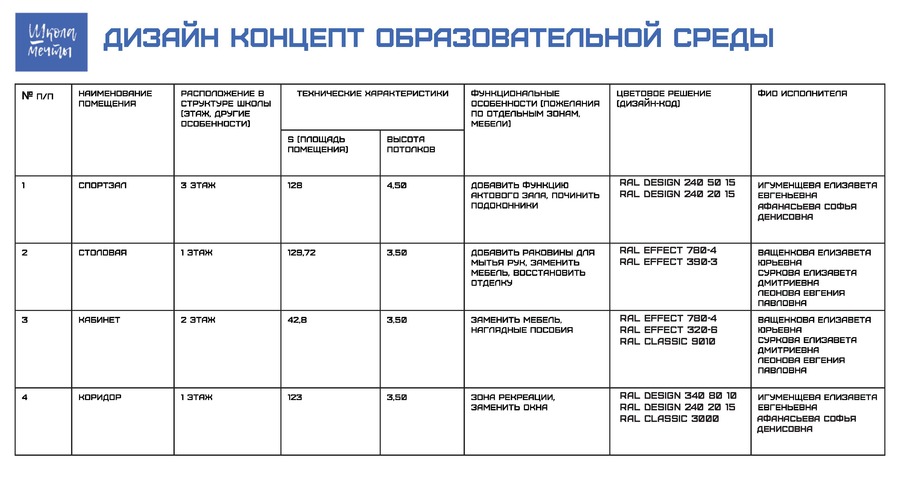
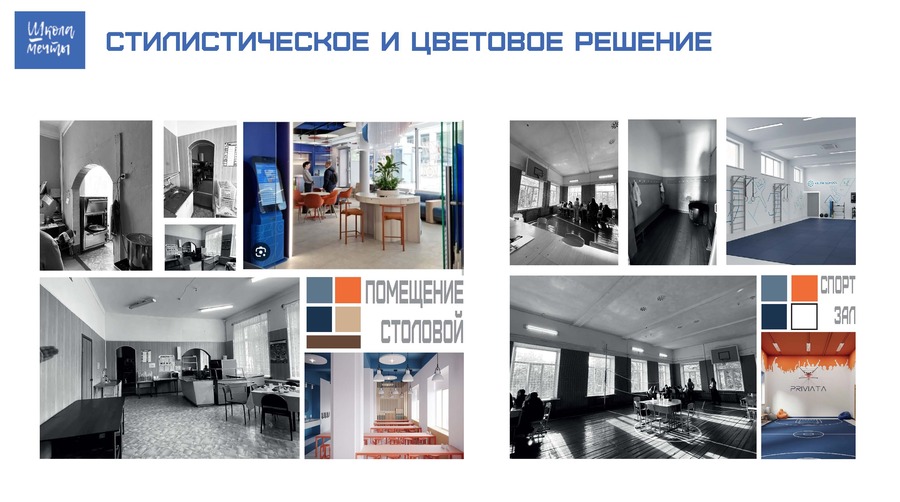
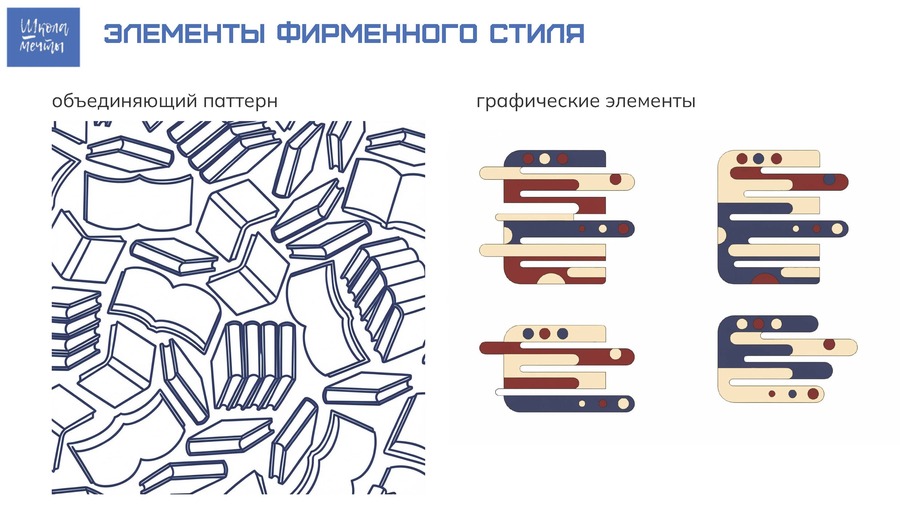
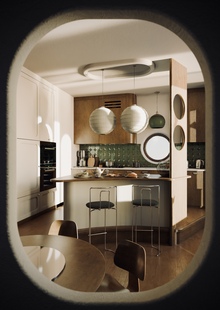
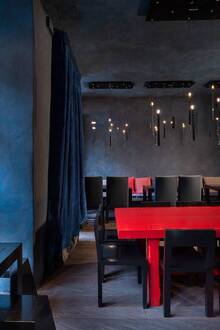
Стилистическое и цветовое решение, дизайн концепт
0
0
0
0
0
Функциональная схема школы, список разрабатываемых помещений
Press space bar to start a drag.
When dragging you can use the arrow keys to move the item around and escape to cancel.
Some screen readers may require you to be in focus mode or to use your pass through key
Press space bar to start a drag.
When dragging you can use the arrow keys to move the item around and escape to cancel.
Some screen readers may require you to be in focus mode or to use your pass through key
Press space bar to start a drag.
When dragging you can use the arrow keys to move the item around and escape to cancel.
Some screen readers may require you to be in focus mode or to use your pass through key
Press space bar to start a drag.
When dragging you can use the arrow keys to move the item around and escape to cancel.
Some screen readers may require you to be in focus mode or to use your pass through key
Press space bar to start a drag.
When dragging you can use the arrow keys to move the item around and escape to cancel.
Some screen readers may require you to be in focus mode or to use your pass through key
Press space bar to start a drag.
When dragging you can use the arrow keys to move the item around and escape to cancel.
Some screen readers may require you to be in focus mode or to use your pass through key
Press space bar to start a drag.
When dragging you can use the arrow keys to move the item around and escape to cancel.
Some screen readers may require you to be in focus mode or to use your pass through key
Press space bar to start a drag.
When dragging you can use the arrow keys to move the item around and escape to cancel.
Some screen readers may require you to be in focus mode or to use your pass through key
Press space bar to start a drag.
When dragging you can use the arrow keys to move the item around and escape to cancel.
Some screen readers may require you to be in focus mode or to use your pass through key
Press space bar to start a drag.
When dragging you can use the arrow keys to move the item around and escape to cancel.
Some screen readers may require you to be in focus mode or to use your pass through key