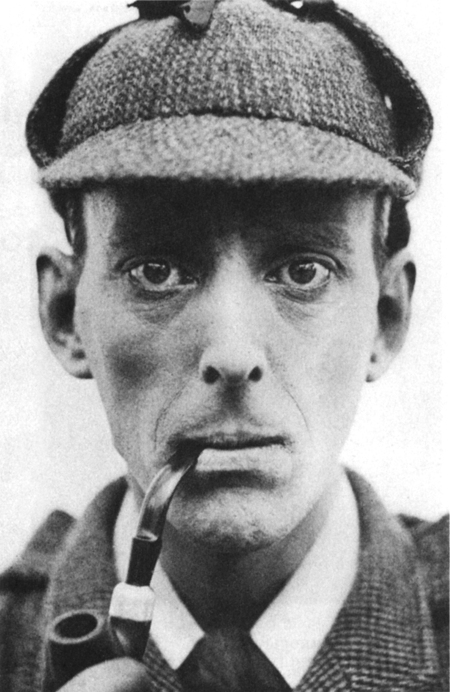
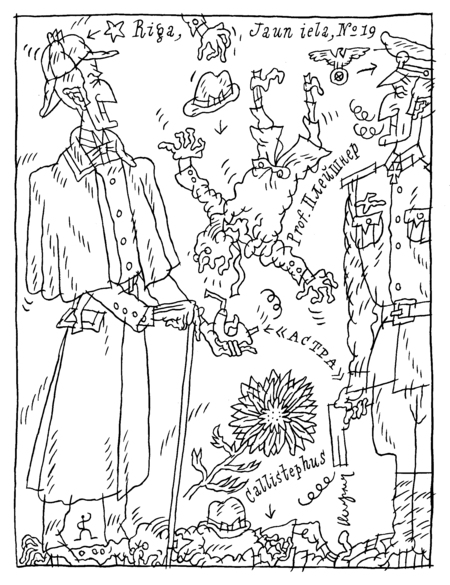
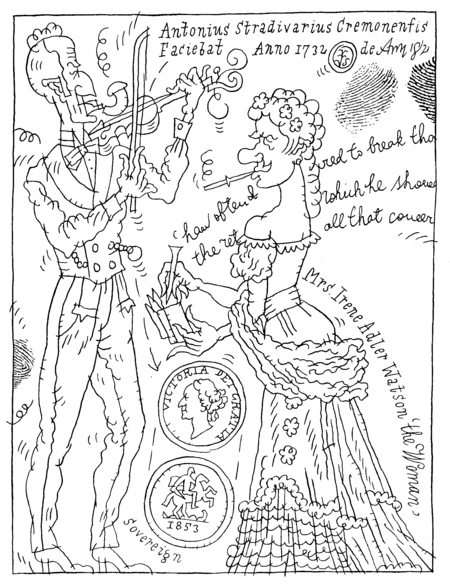
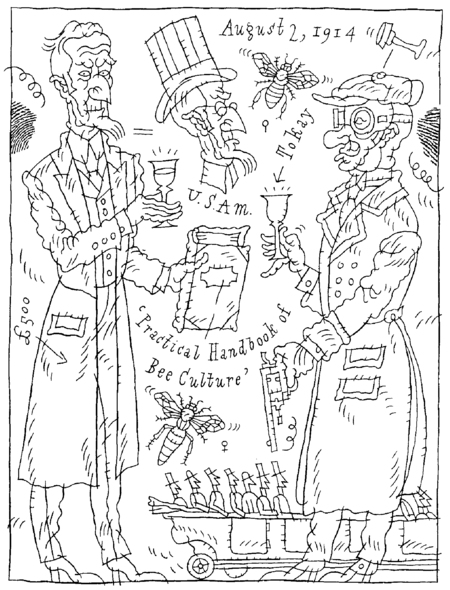
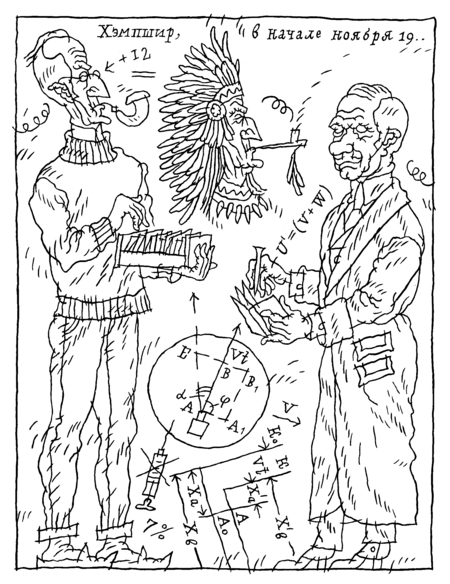
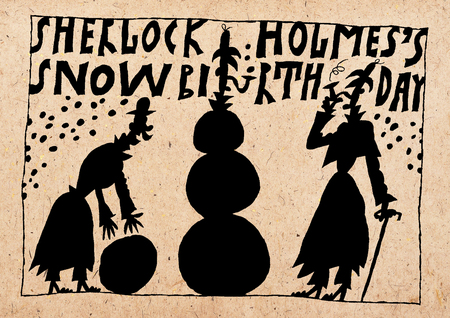
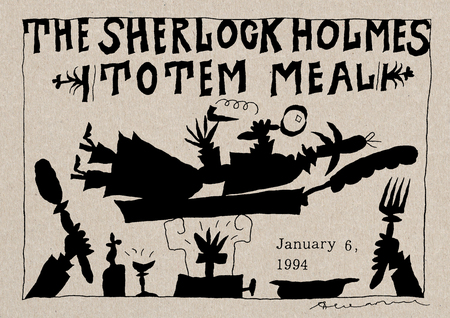
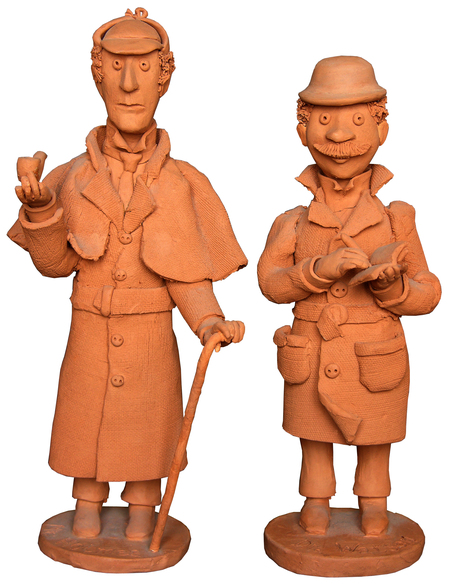
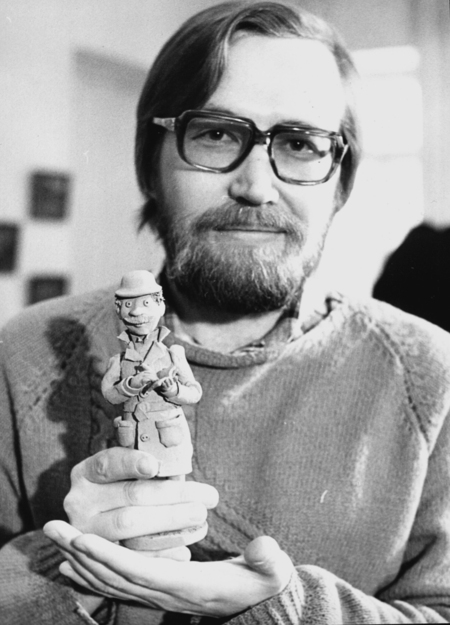
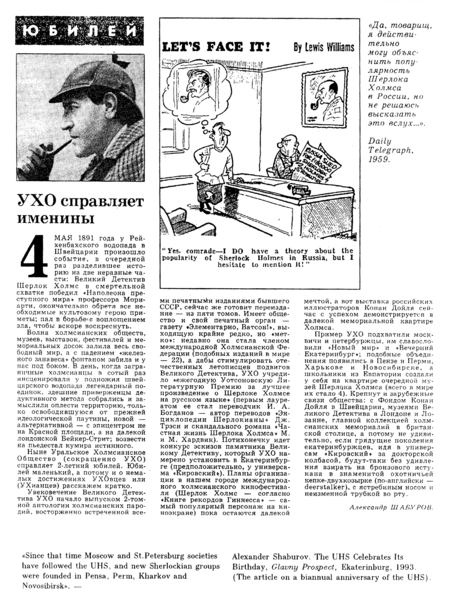
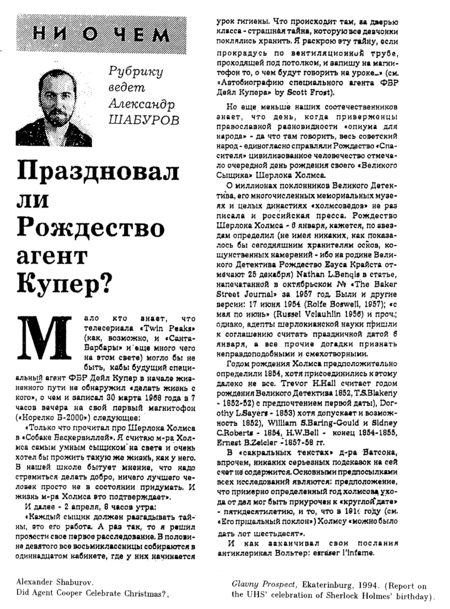
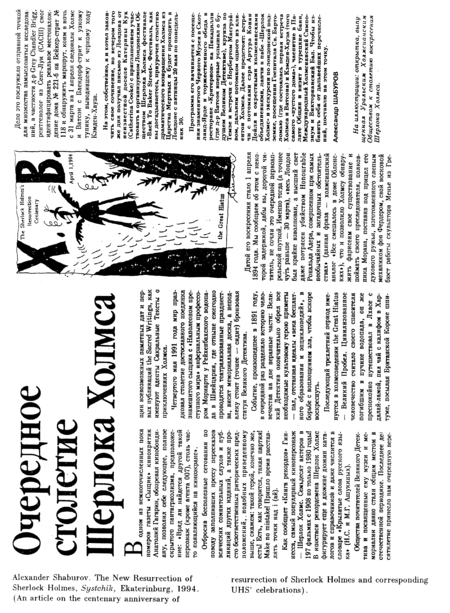
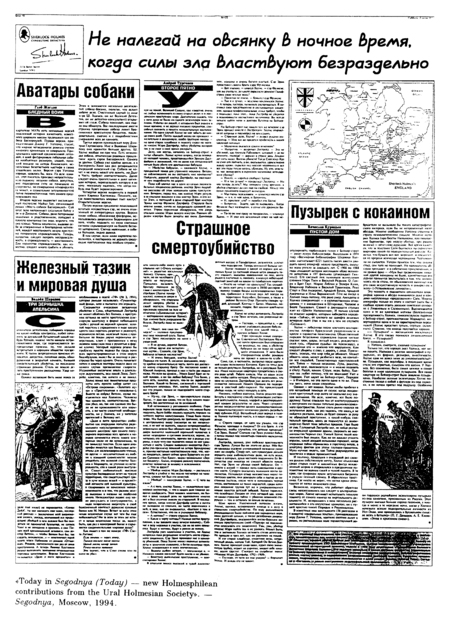
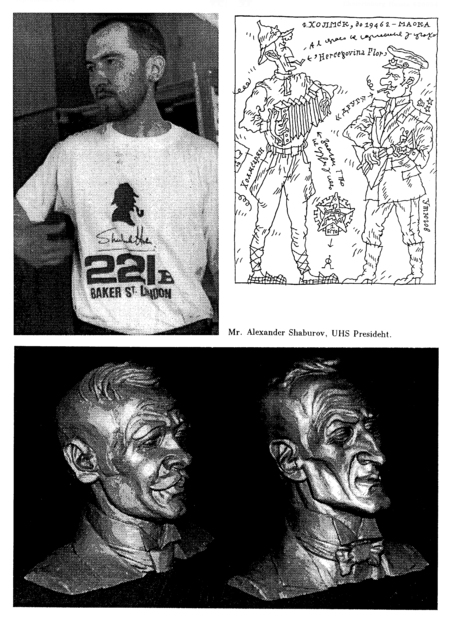
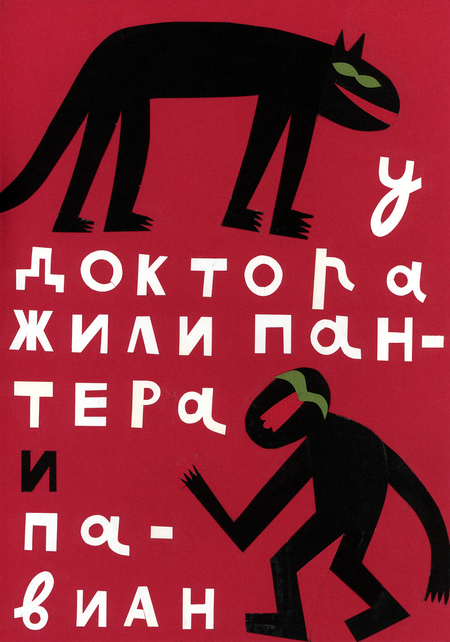
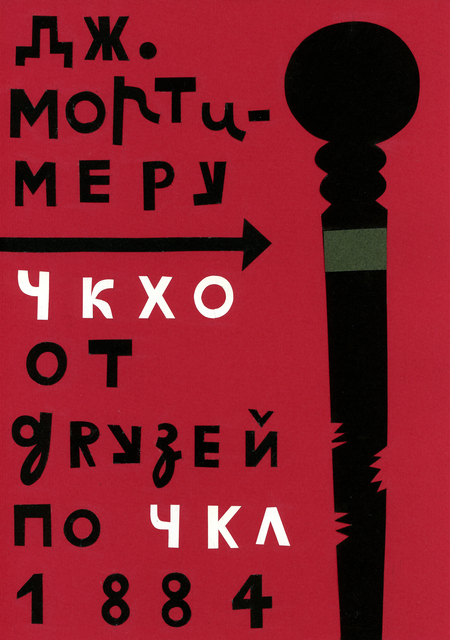
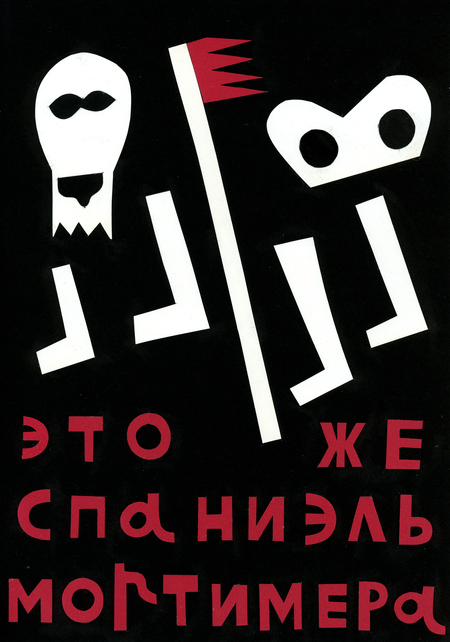
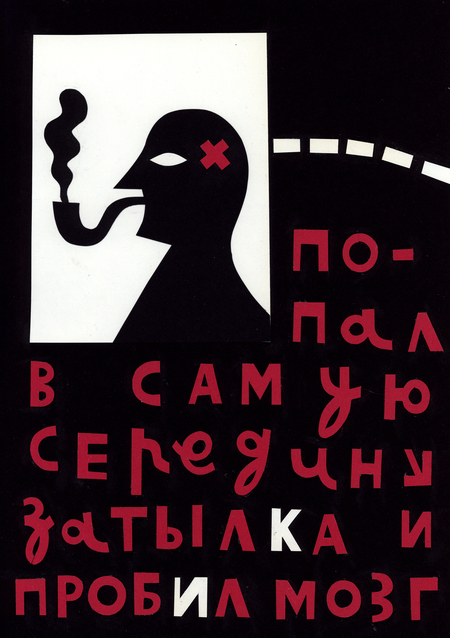
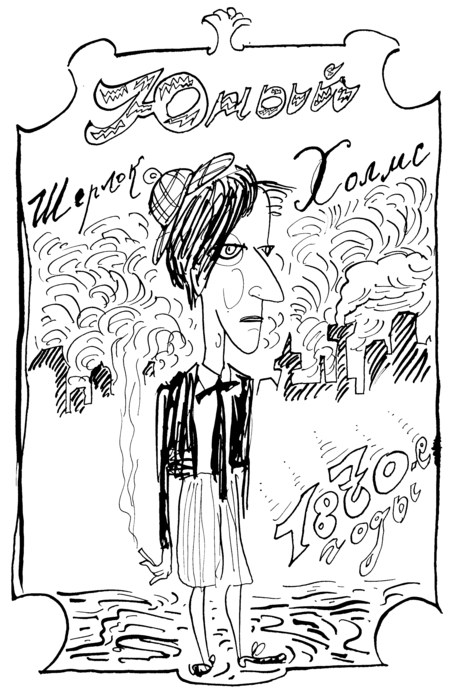
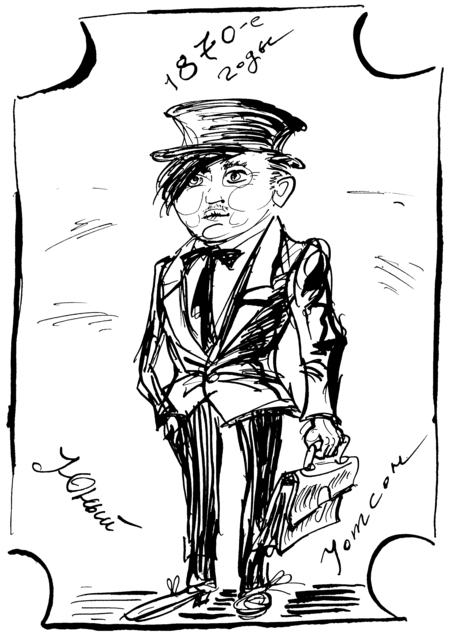
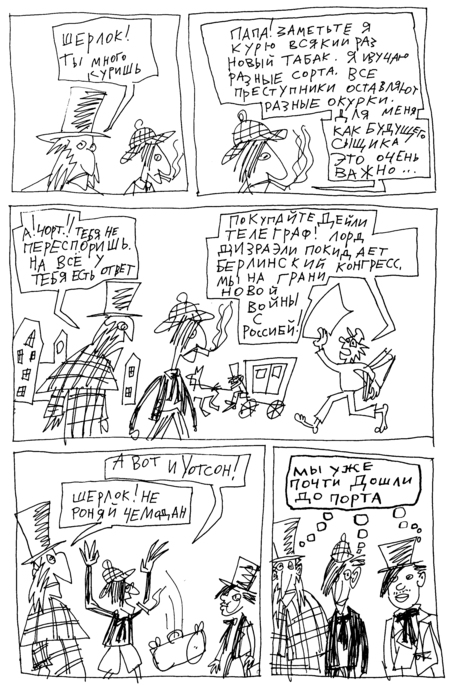
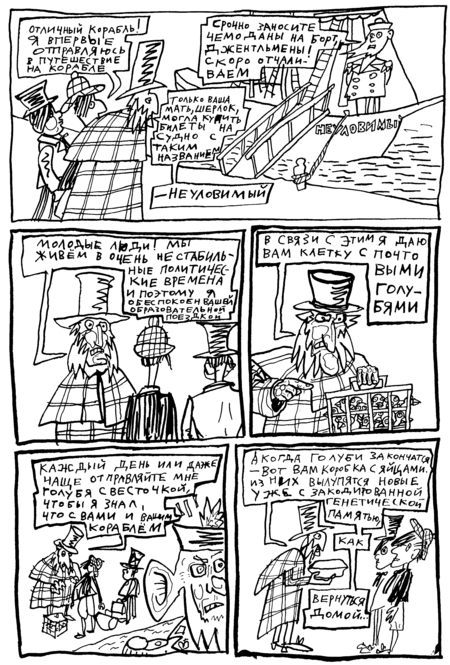
Первое фан-сообщество в СССР, организованное художником Шабуровым и его другом журналистом Курицыным.
Хотя, конечно, называть себя «фанатами», а свои сочинения «фанфиками» Шабурову претит. Он — «фанат» здравого смысла и ясного мышления.
Также ради справедливости надо признать, что в СССР были и другие читательские ассоциации. Например, любителей фантастики. В Свердловске они ежегодно собирались на фестиваль «Аэлита».
Чем занималось Уральское холмсианское общество:
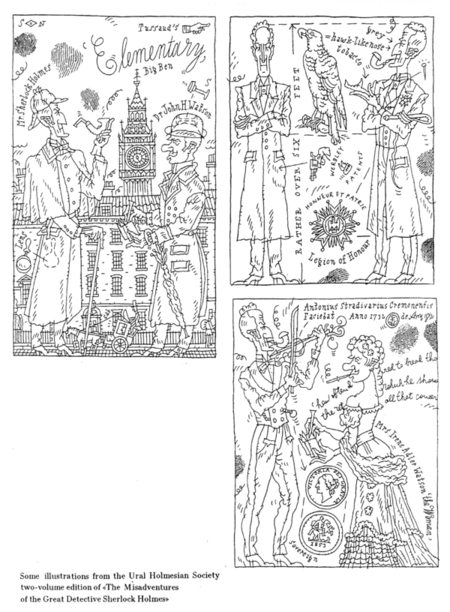
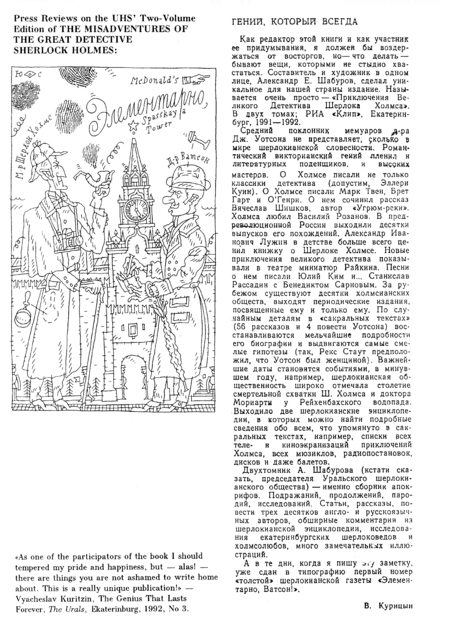
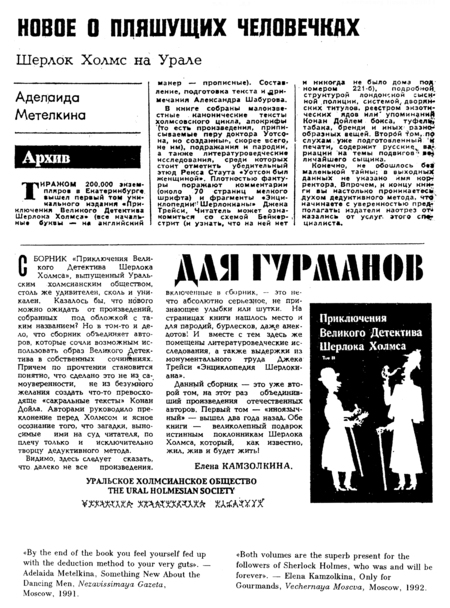
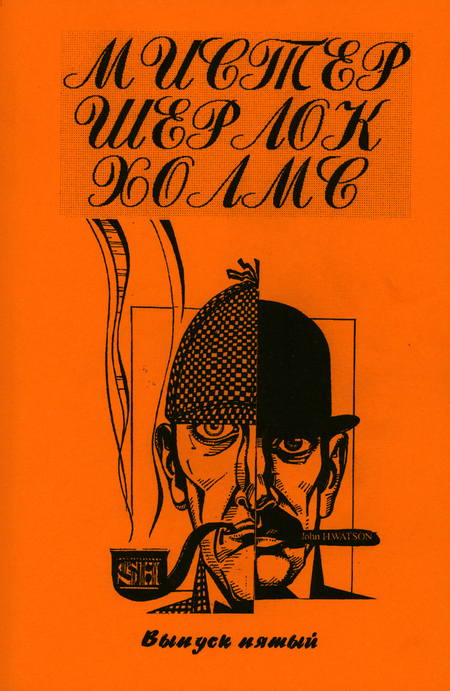
издало 2-томную антологию продолжений и пародий о малоизвестных подвигах Шерлока Холмса;
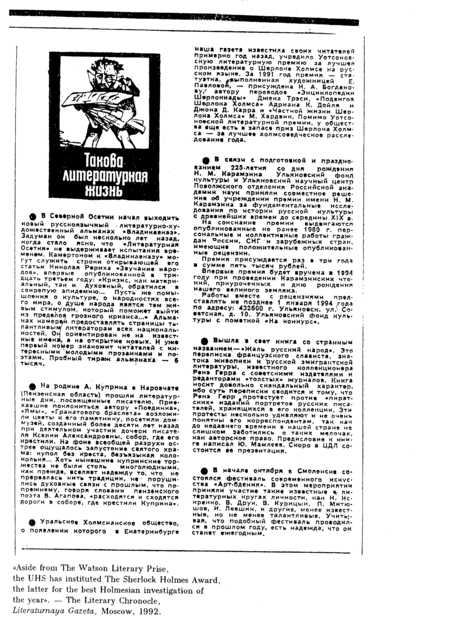
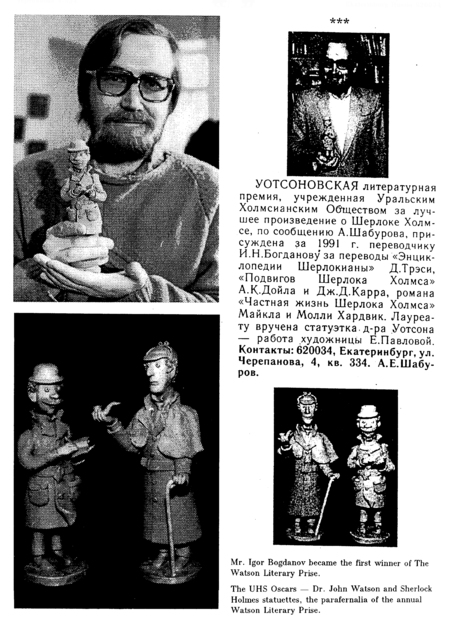
учредило для их переводчиков ежегодную Уотсоновскую литературную премию;
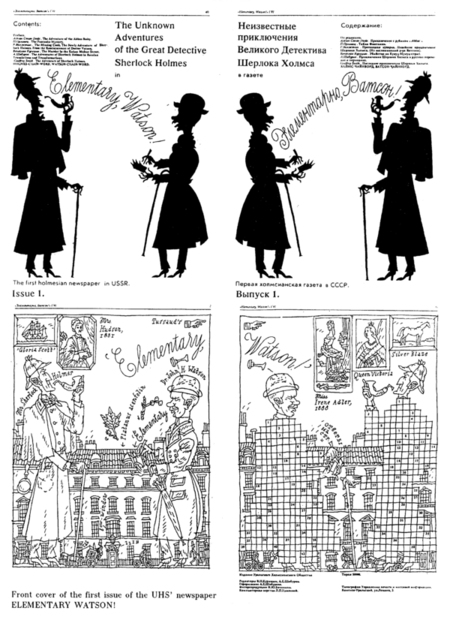
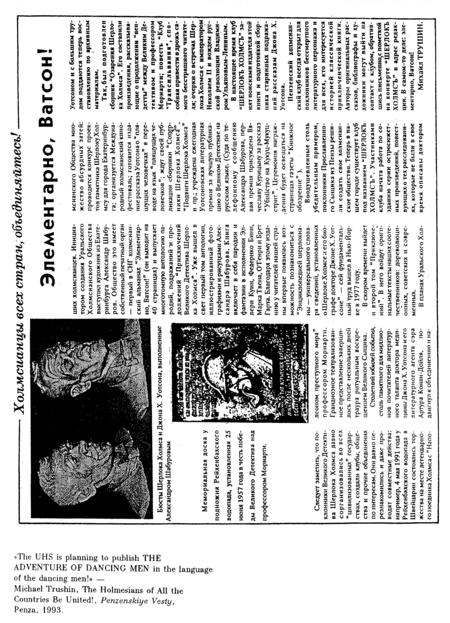
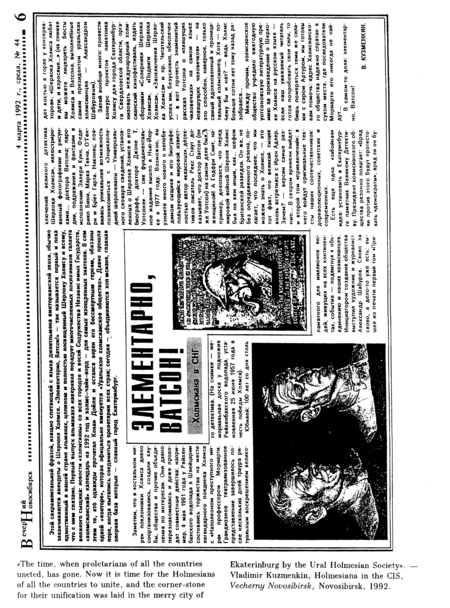
выпускало первую (и последнюю) в СССР холмсианскую газету «Элементарно, Ватсон!»;
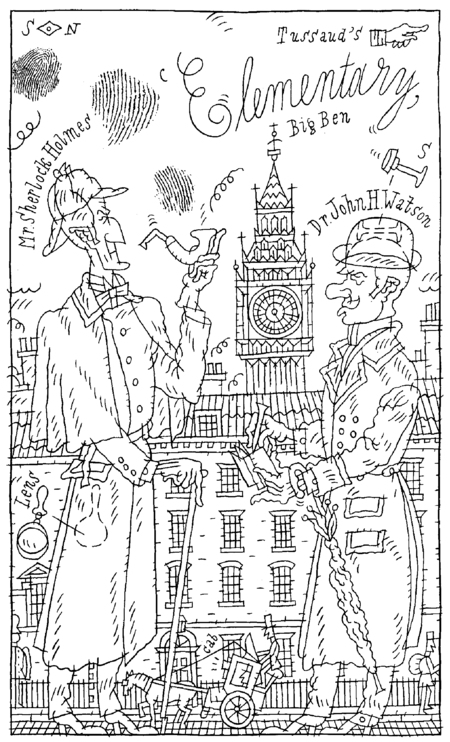
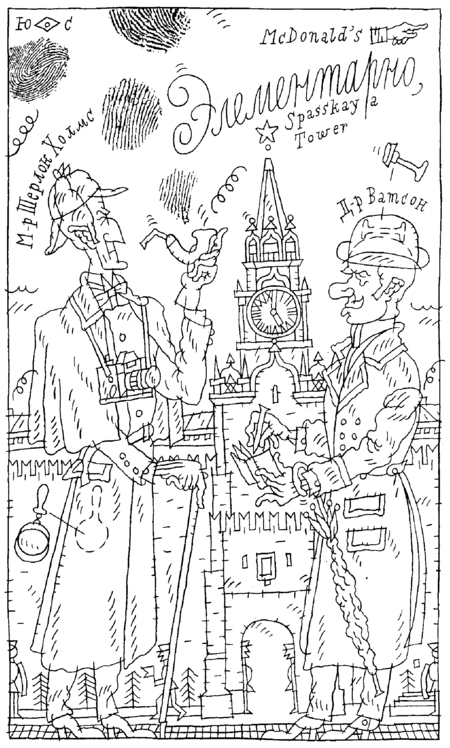
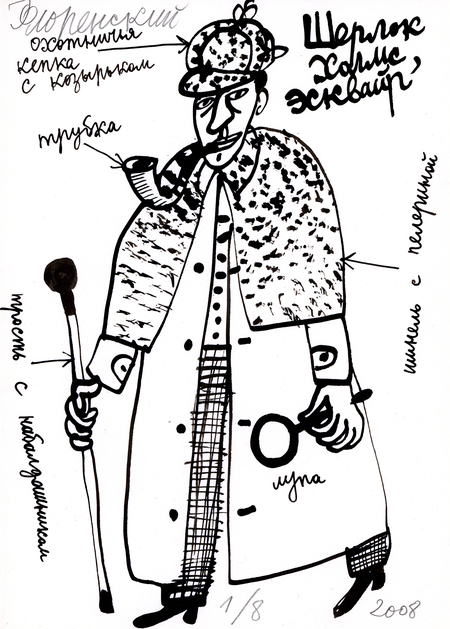
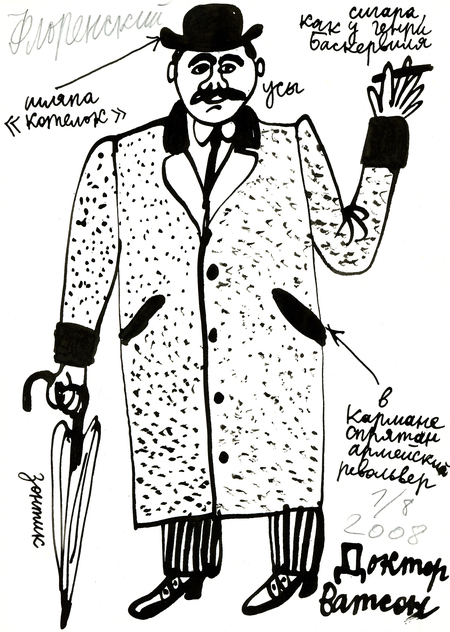
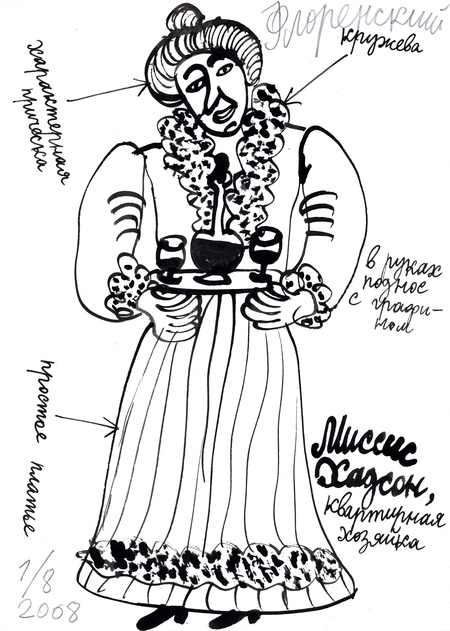
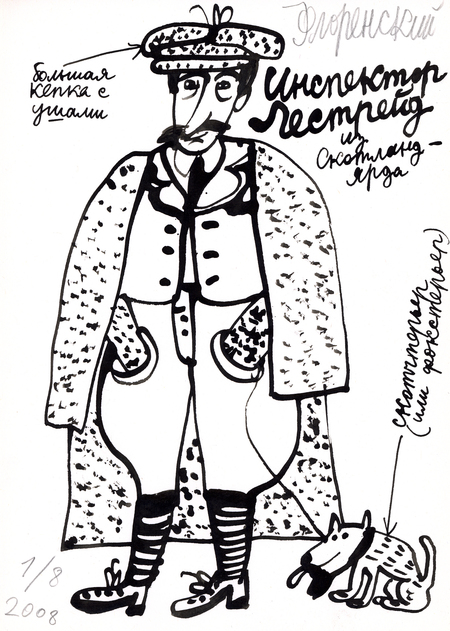
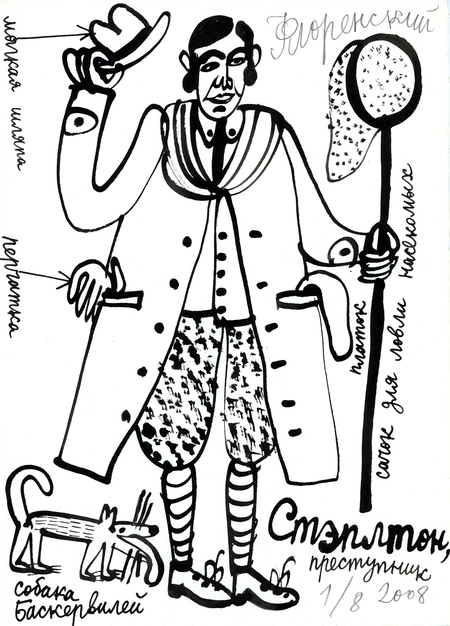
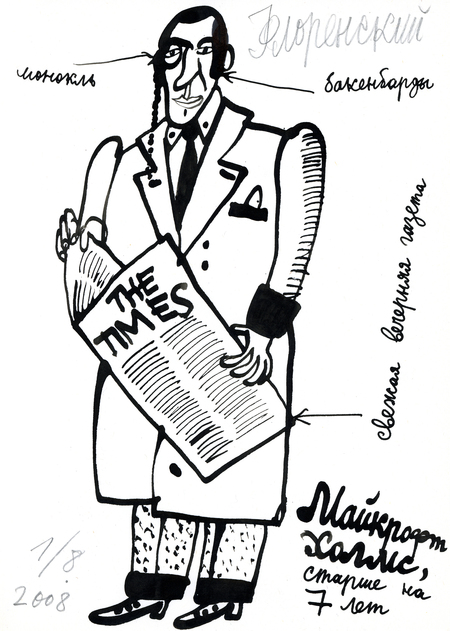
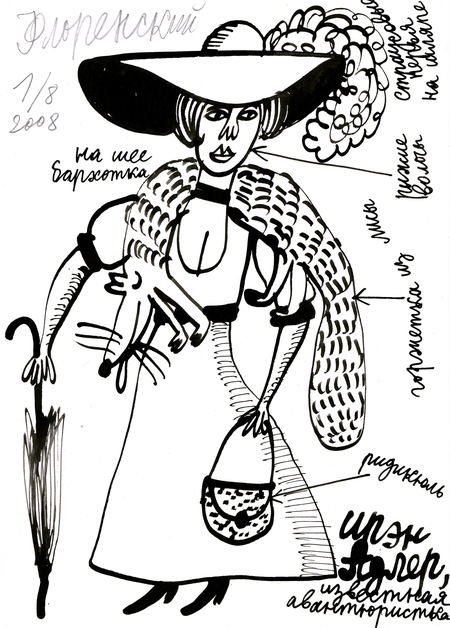
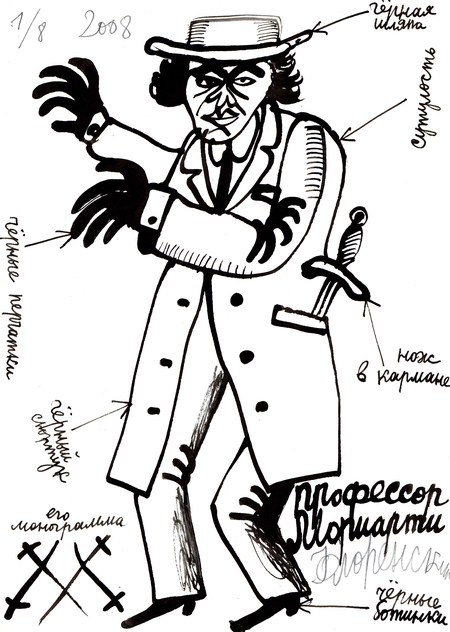
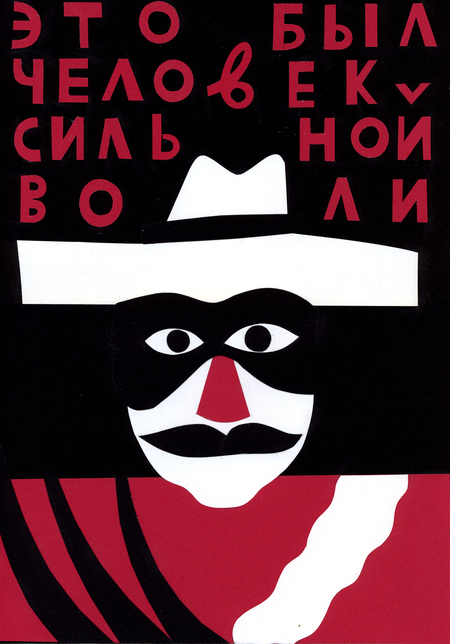
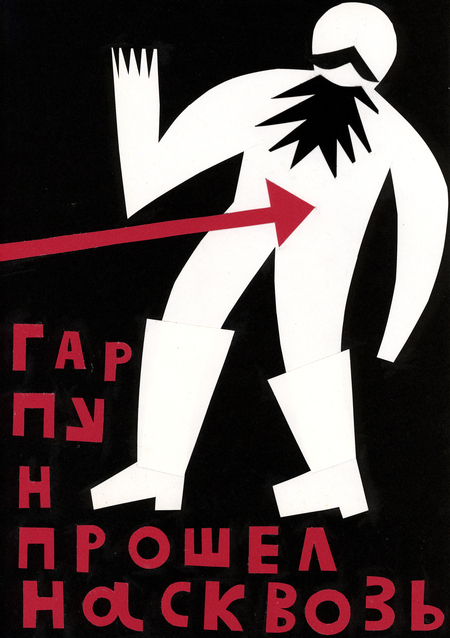
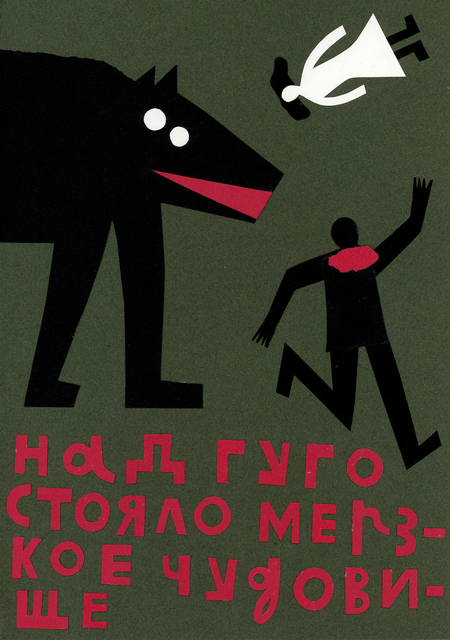
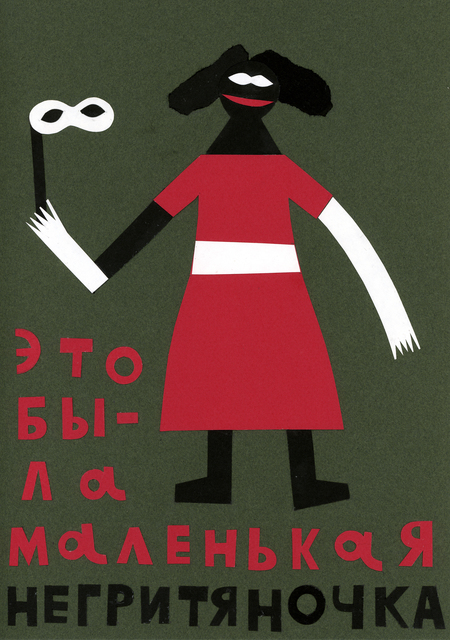
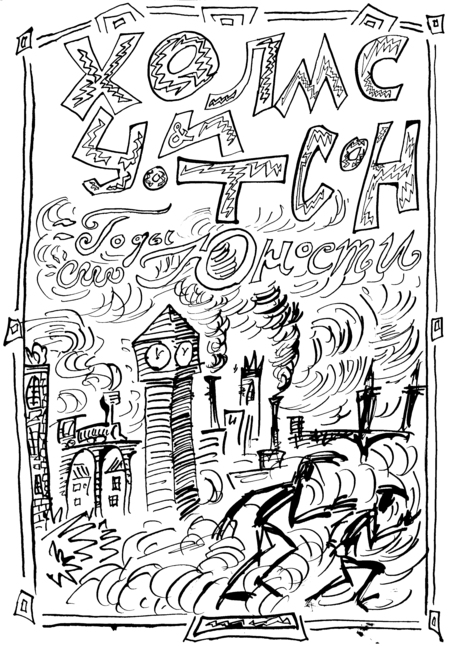
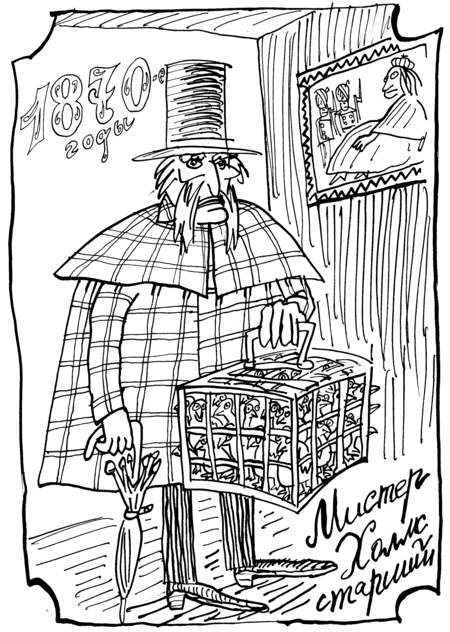
заказывало художникам (Л. Тишкову, А. Флоренскому, О. Флоренской и др.) новые иллюстрации;
проводило лекции, чтения и тематические вечеринки;
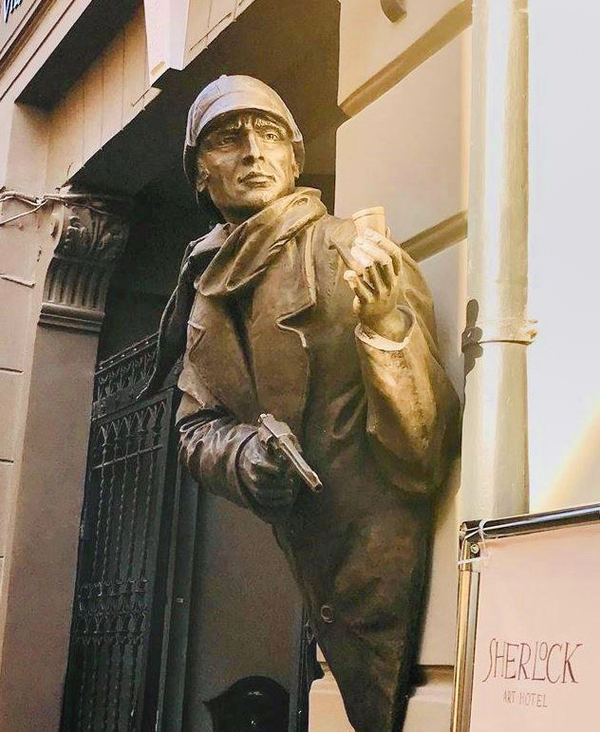
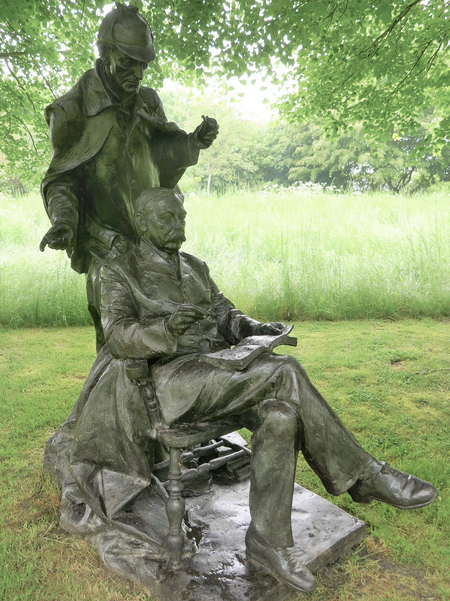
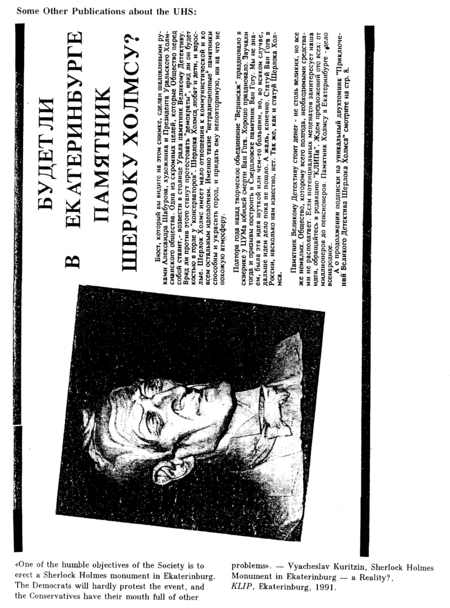
а также ратовало за установку в Свердловске памятника Шерлоку Холмсу.
Шабуров умудрился попасть в зарубежные шерлокианские энциклопедии, побывать в пяти музеях Шерлока Холмса по всему миру и увидеть столько же памятников данному персонажу.
Ниже приведена малая часть фондов УХО и их друзей, использовавшаяся на выставках.
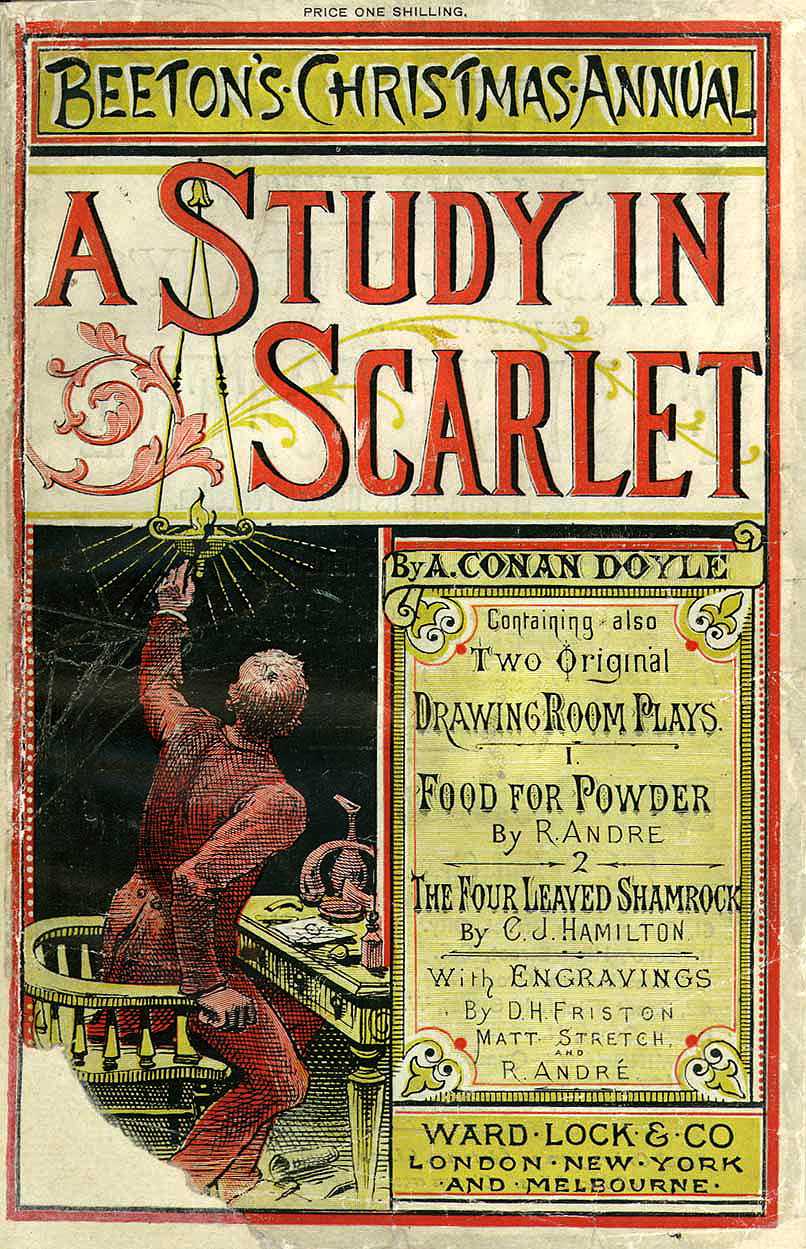
Исходный размер 806x1249
Обложка первого издания «Этюда в багровых тонах». 1887
Исходный размер 1182x937
Исходный размер 1690x2496
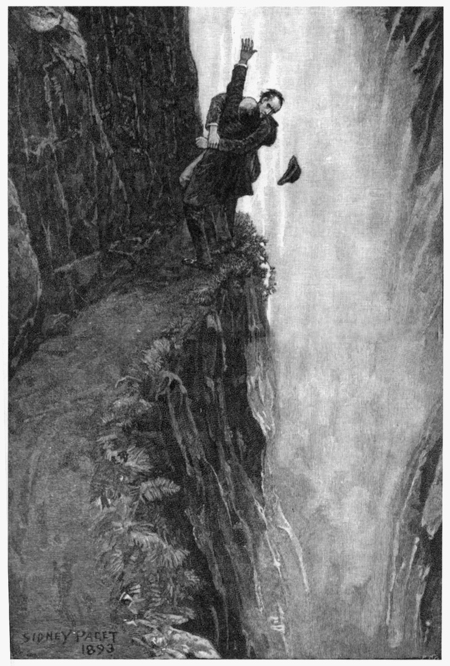
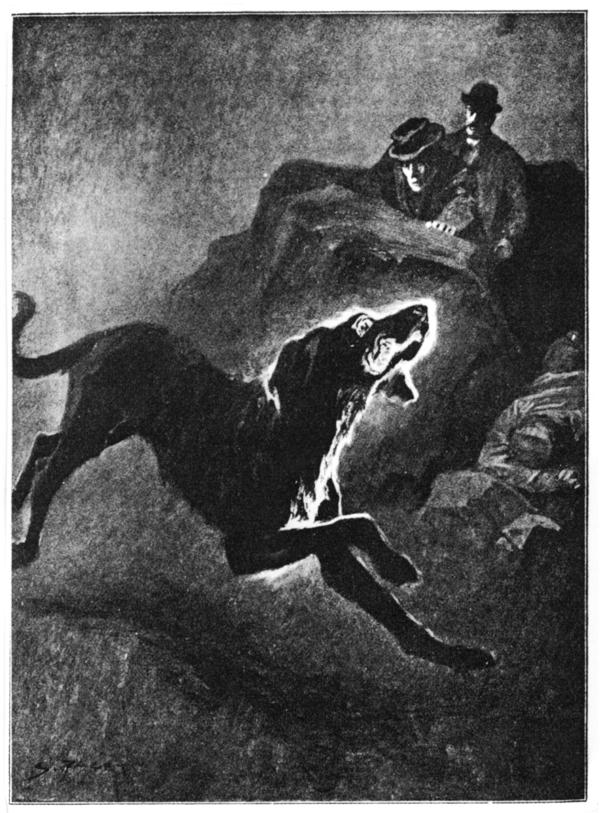
Исходный размер 1046x601
Канонические иллюстрации художника Сидни Пэджета.
1890-е
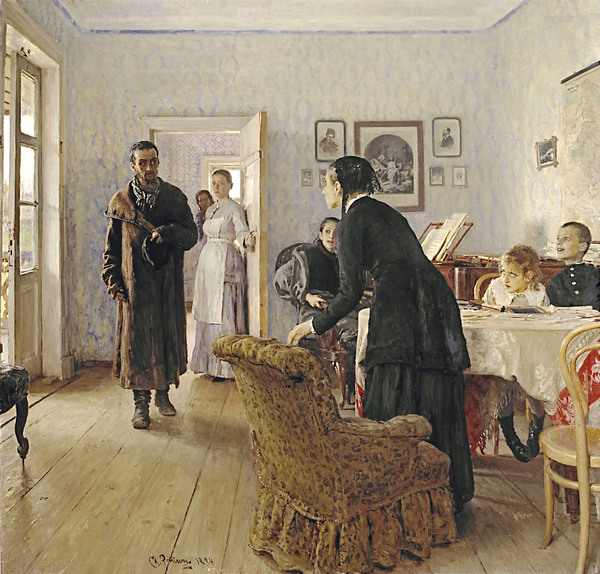
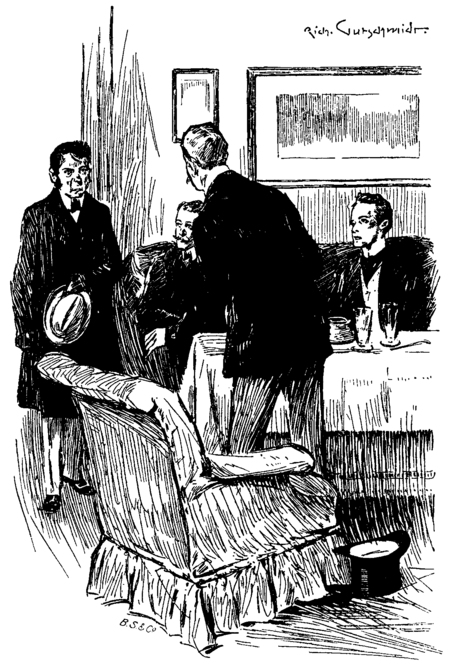
Иллюстрация к «Этюду в багровых тонах» Рихарда Гутшмидта,
позаимствовавшего мизансцену картины Ильи Репина «Не ждали»
(1884–1888)
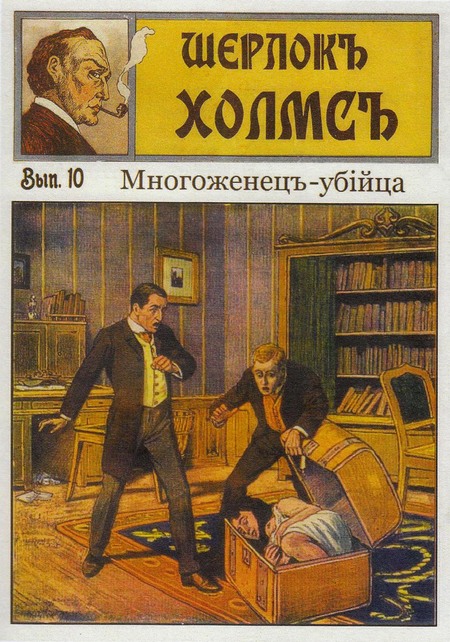
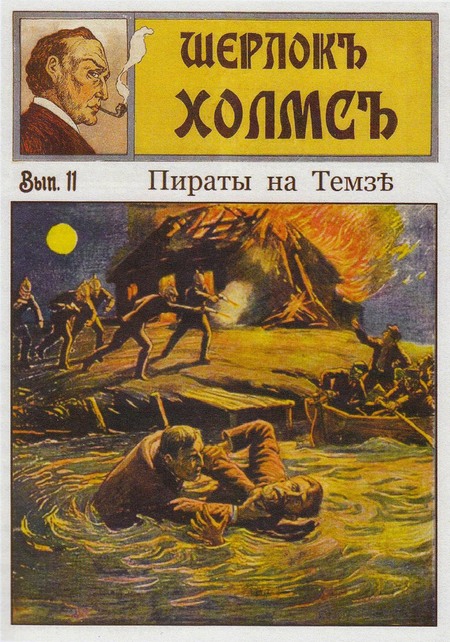
Анонимные выпуски о новых приключениях Шерлока Холмса,
издававшиеся в разных странах на волне его популярности.
Начало ХХ в.
Исходный размер 2302x3227
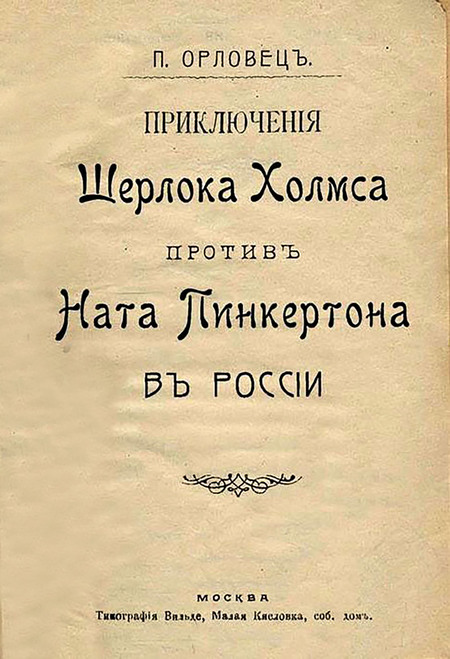
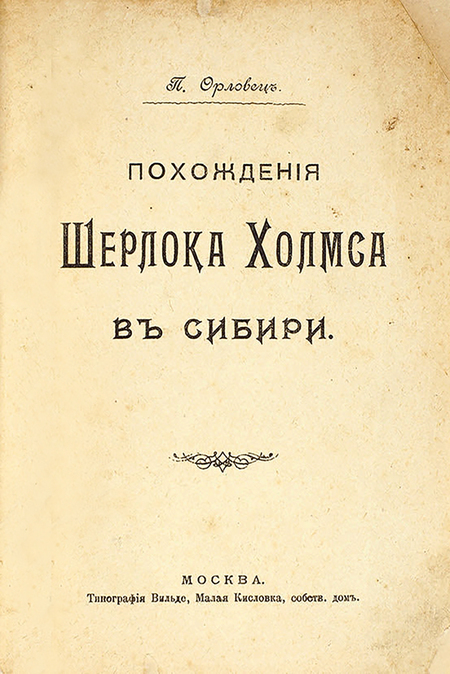
Продолжения подвигов Шерлока Холмса,
сочинявшиеся в России. 1908
Исходный размер 1780x1392
Исходный размер 1569x2096
Исходный размер 1652x1234
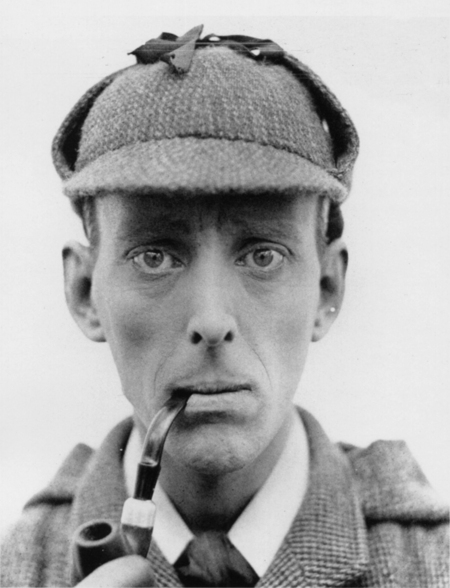
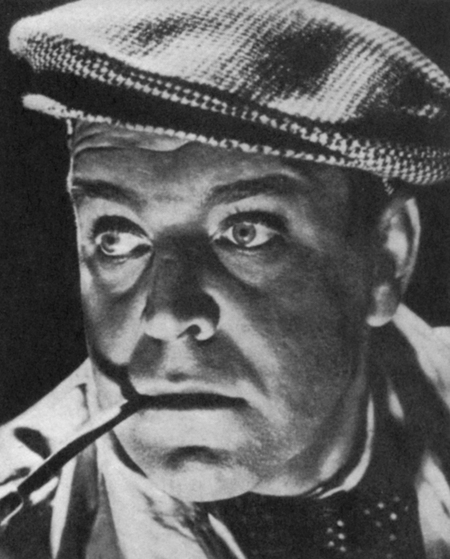
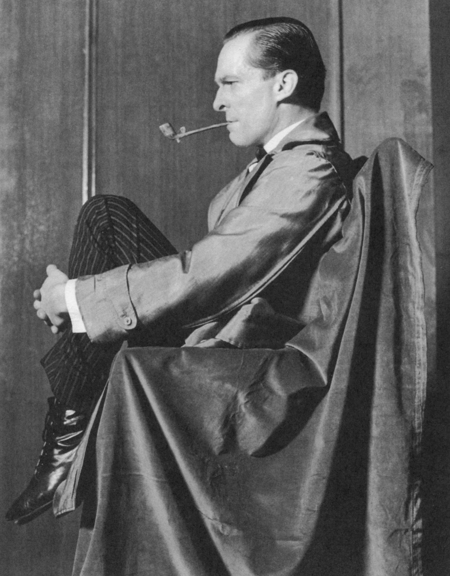
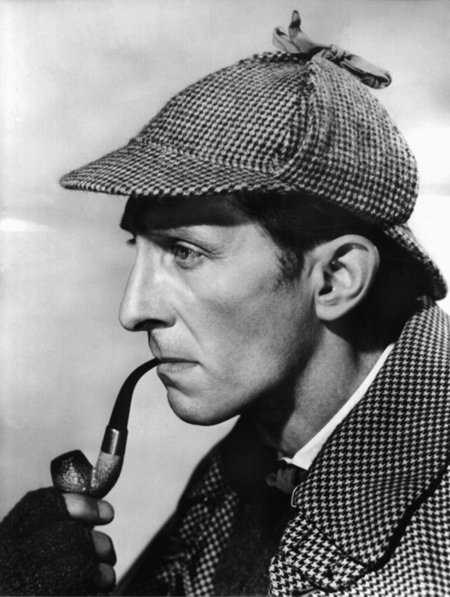
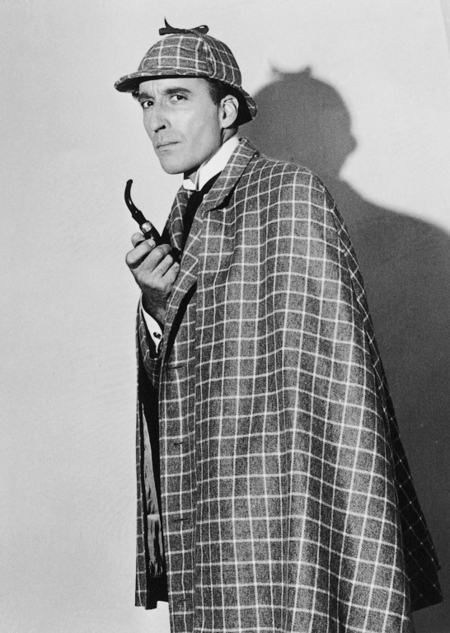
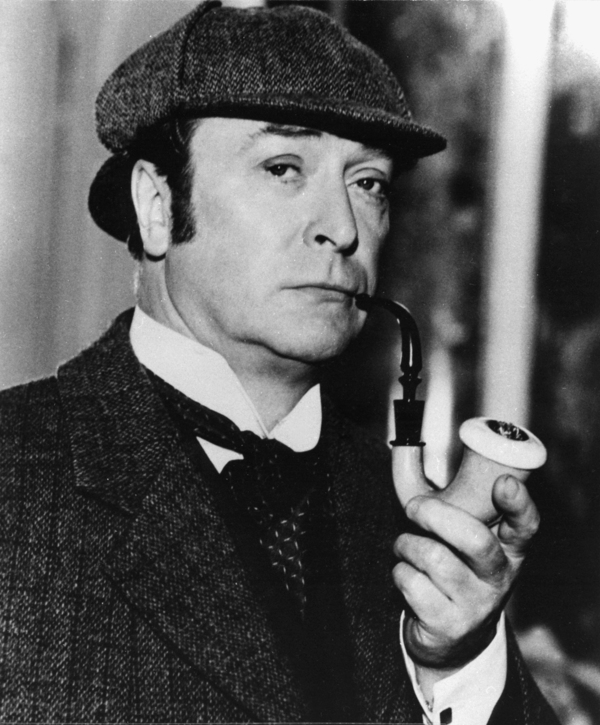
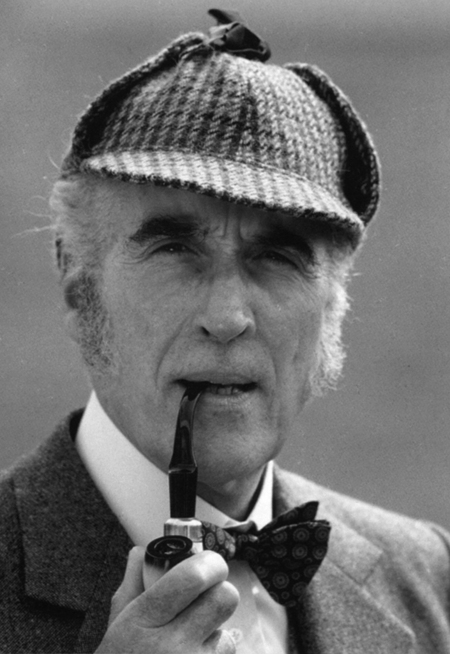
Иностранные актёры, сыгравшие роль Шерлока Холмса
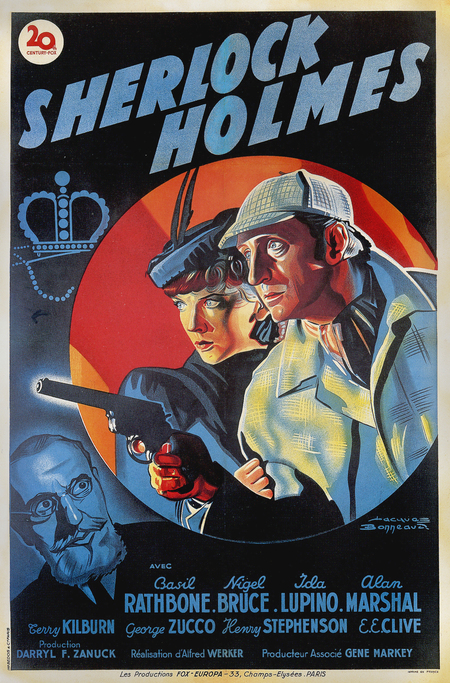
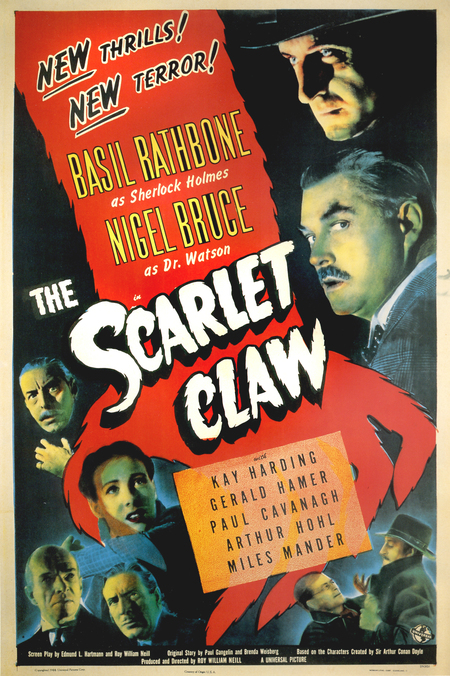
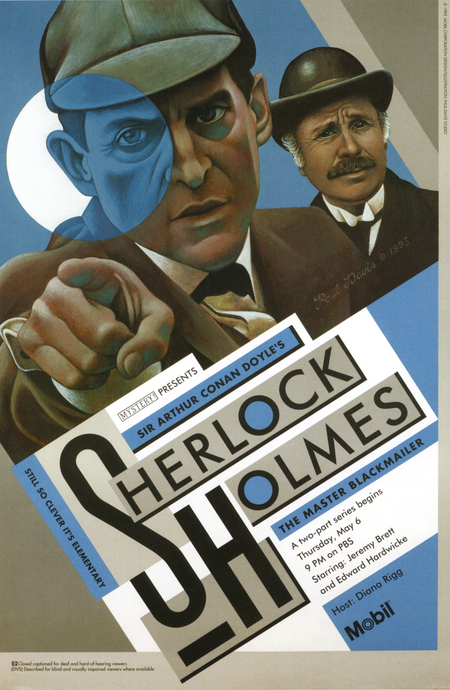
Афиши фильмов и сериалов о Шерлоке Холмсе
Исходный размер 697x576
Исходный размер 1882x1125
Исходный размер 1624x1080
Исходный размер 734x550
Исходный размер 735x530
Исходный размер 2560x1697
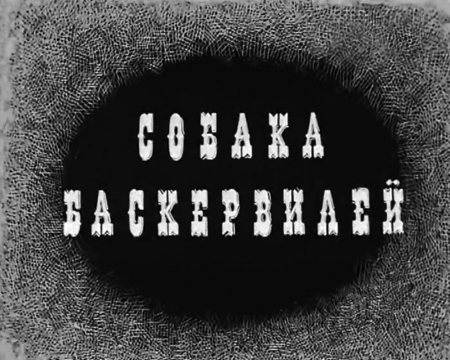
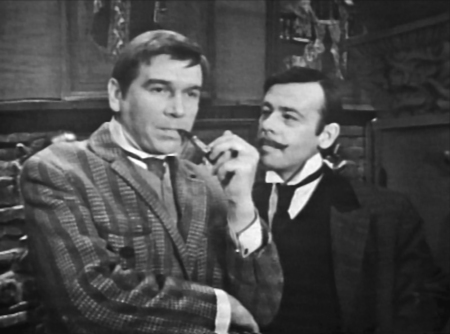
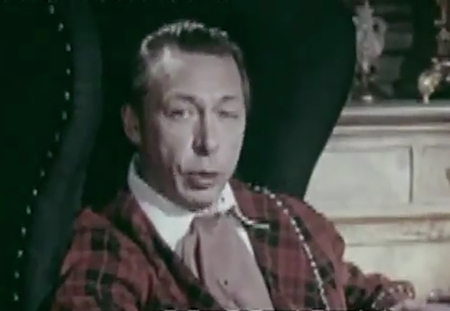
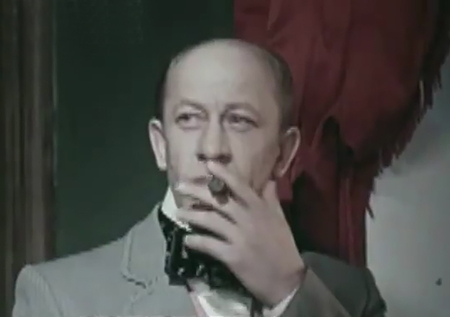
Советские актёры, игравшие Холмса и Ватсона
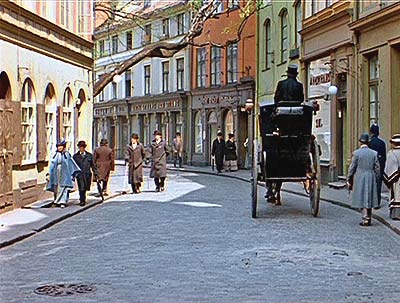
Улица Яуниела в Риге, где снимали советскую Бейкер-стрит
Исходный размер 1280x850
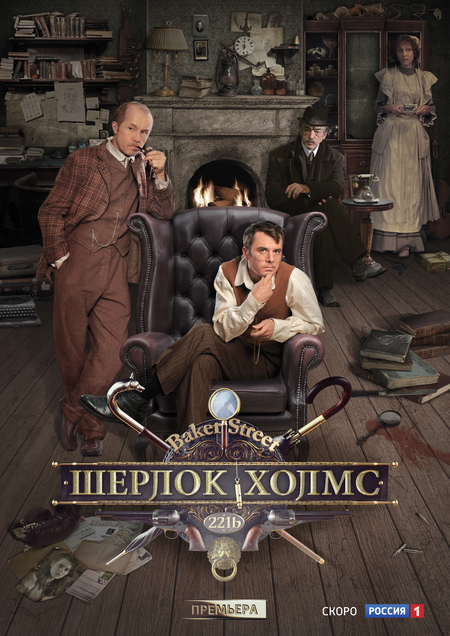
Афиши российских сериалов о Шерлоке Холмсе
Исходный размер 697x535
Исходный размер 2094x1571
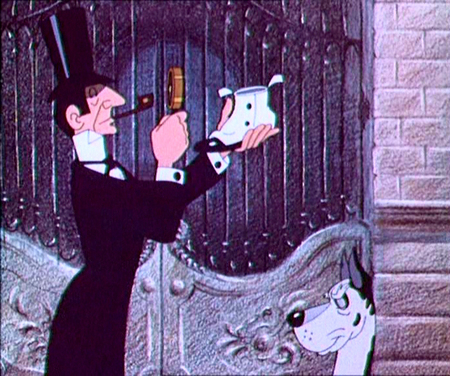
Шерлок Холмс и его пародийные клоны в советской мультипликации
Исходный размер 1024x767
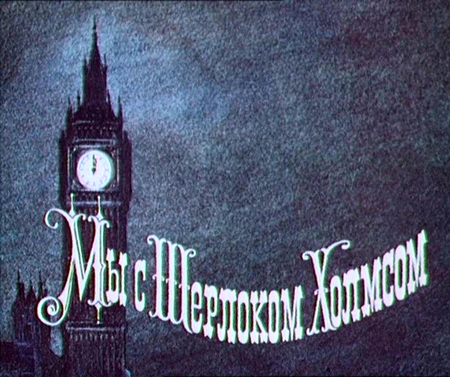
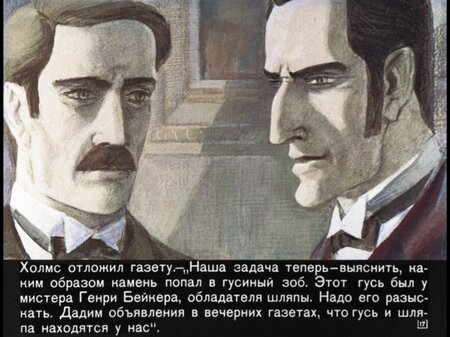
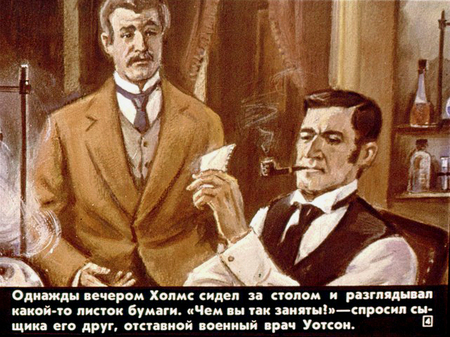
Холмс и Ватсон в советских диафильмах
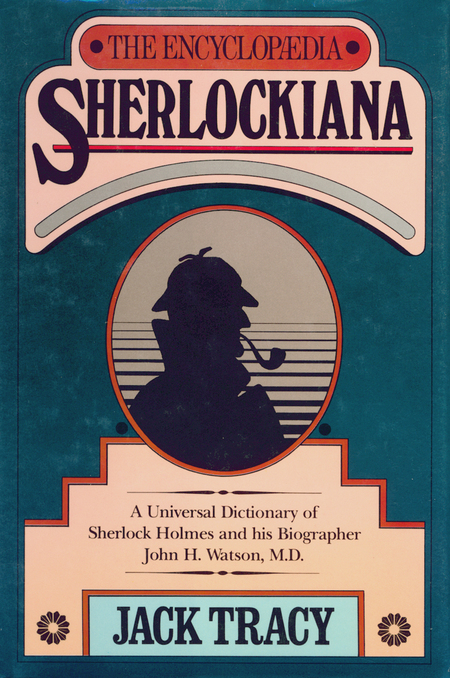
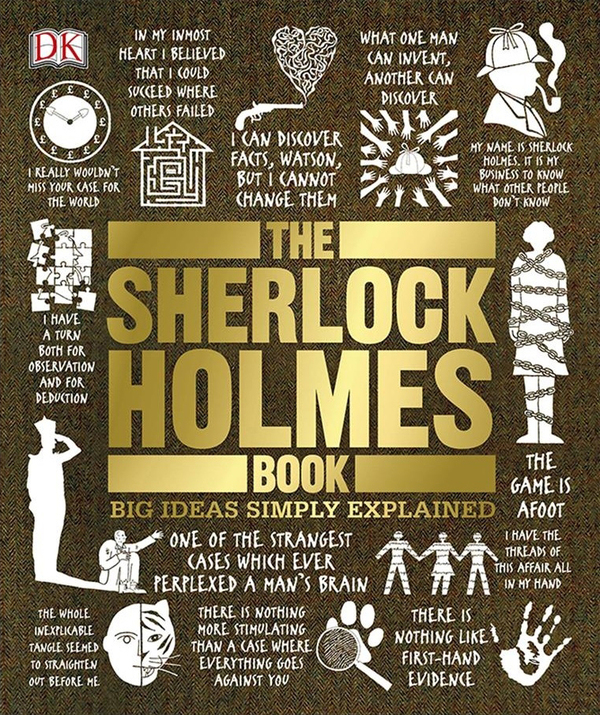
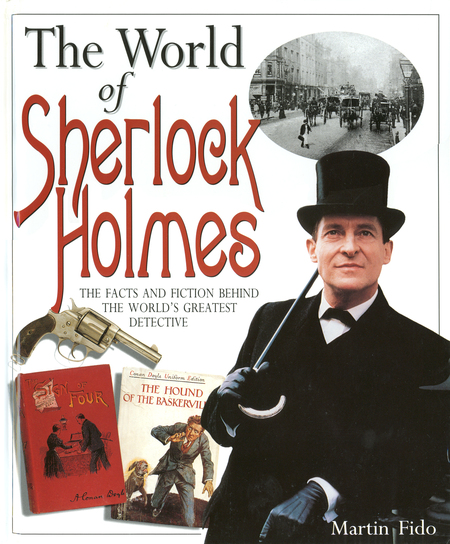
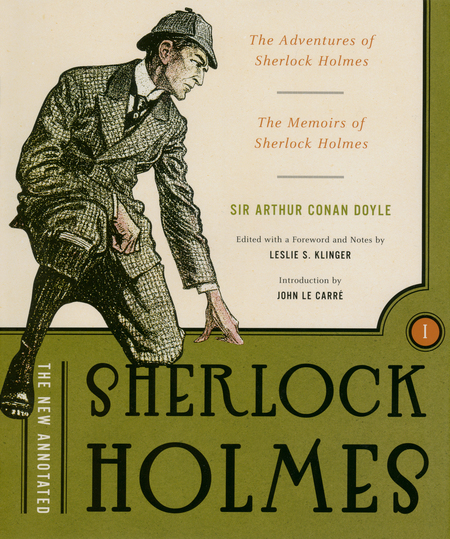
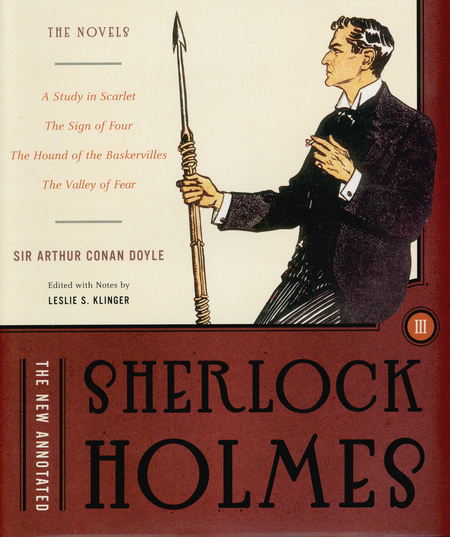
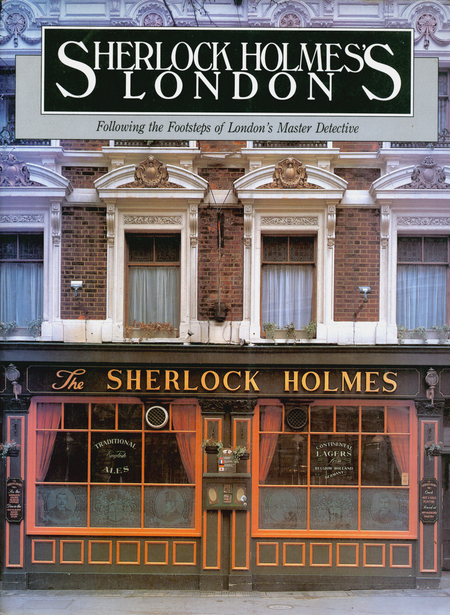
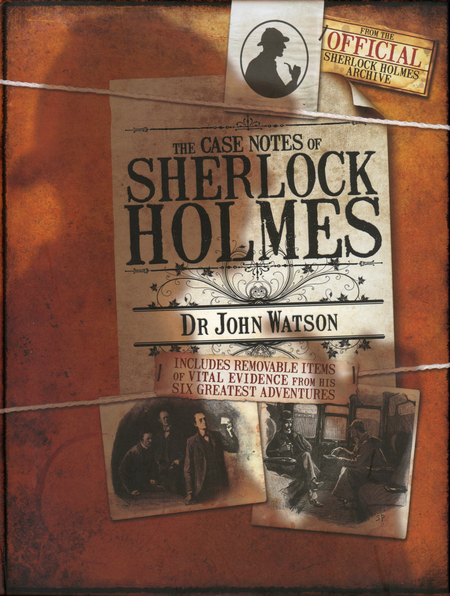
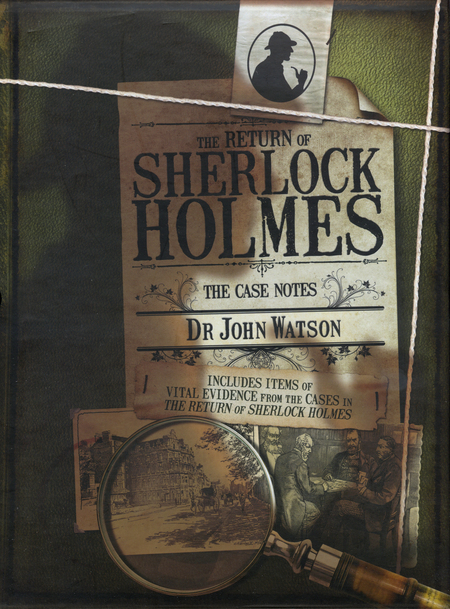
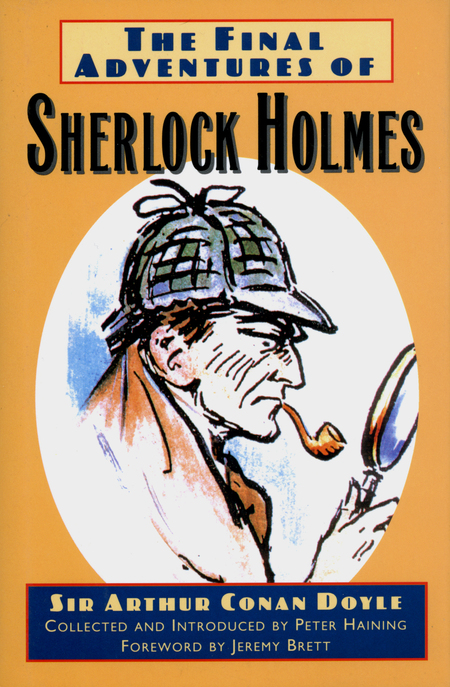
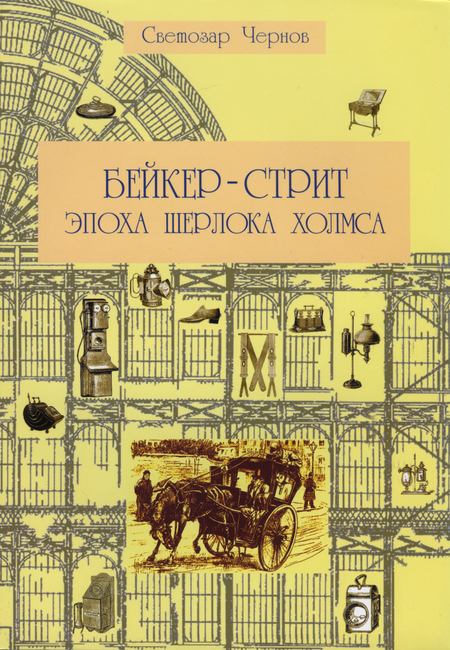
Холмсианские энциклопедии, справочники и аннотированные издания
Исходный размер 1235x996
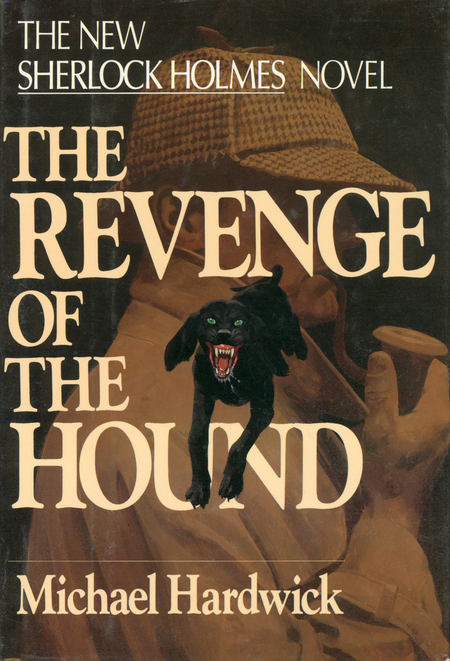
Обложки книг о Шерлоке Холмсе
Исходный размер 1526x2245
Исходный размер 2392x1956
Исходный размер 2629x2864
Исходный размер 1608x732
Исходный размер 1848x1200
Исходный размер 1798x1812
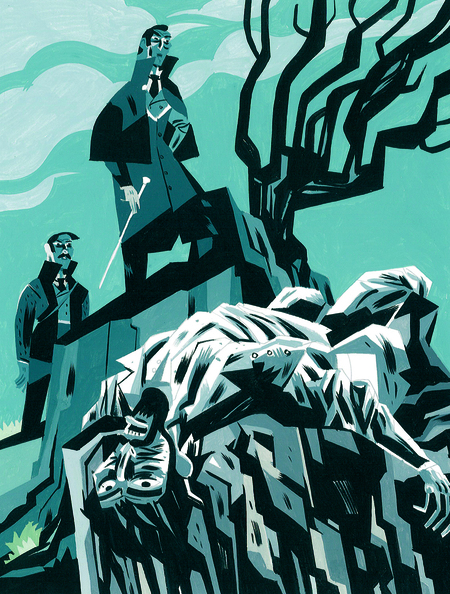
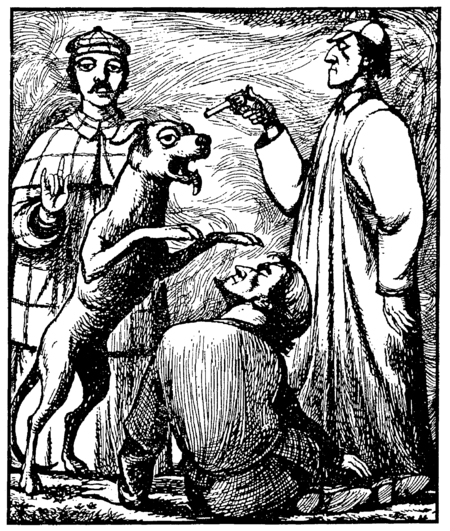
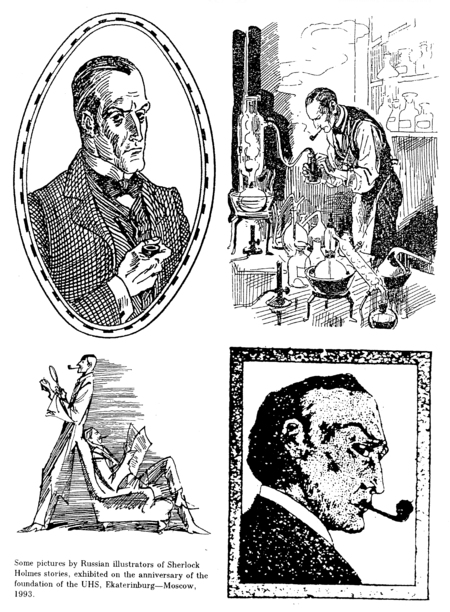
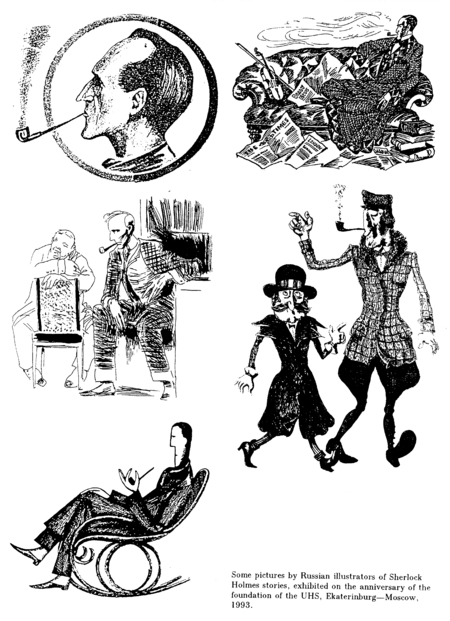
Иллюстрации к произведениям о Шерлоке Холмсе
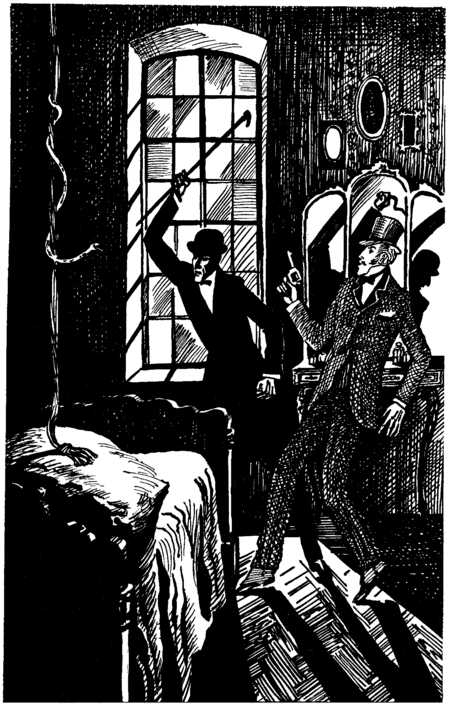
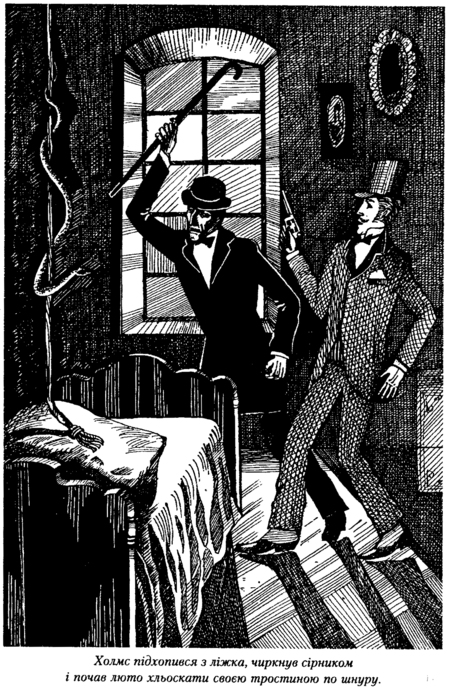
Иллюстрации к «Пёстрой ленте»
Леонида Непомнящего и Д. Мощенко
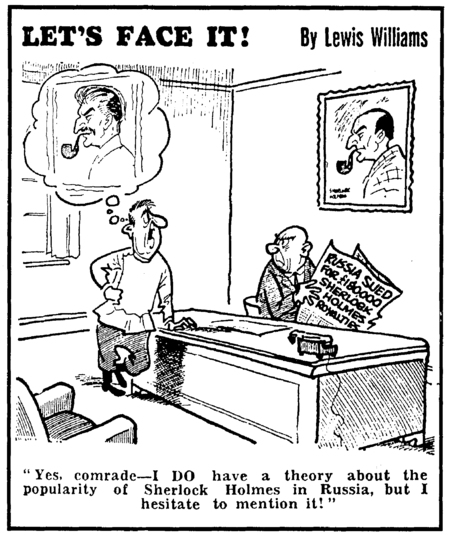
Шерлок Холмс в зарубежной карикатуре
Исходный размер 2081x1658
Исходный размер 2219x2828
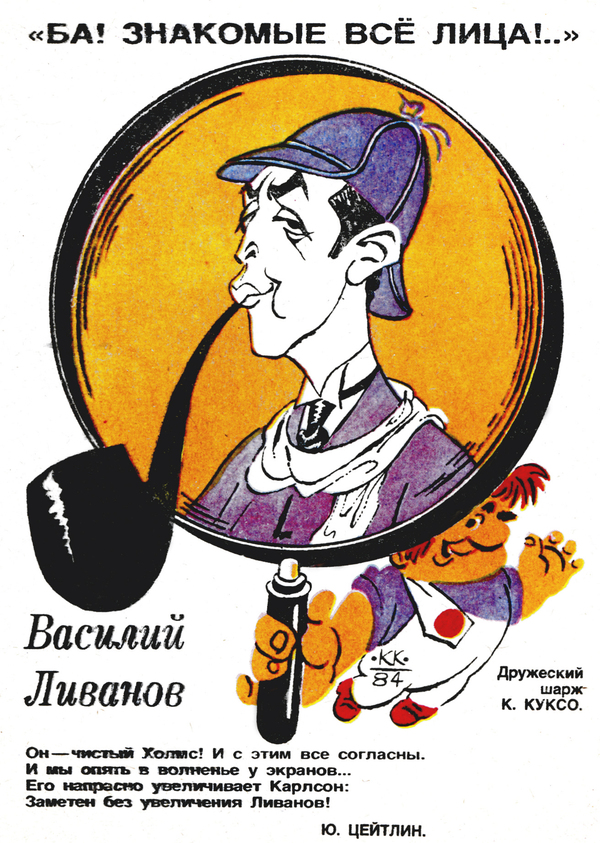
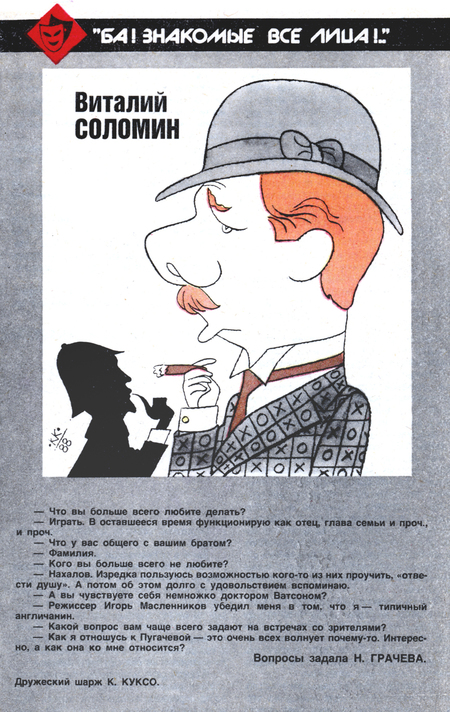
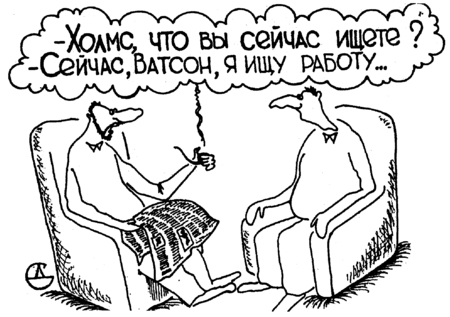
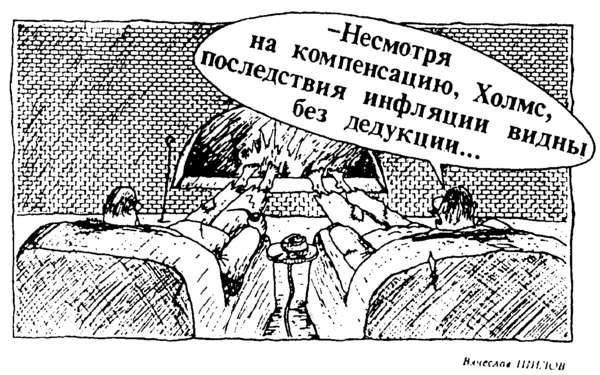
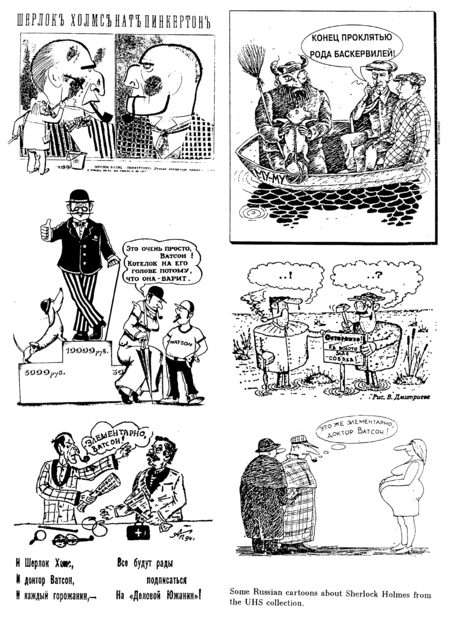
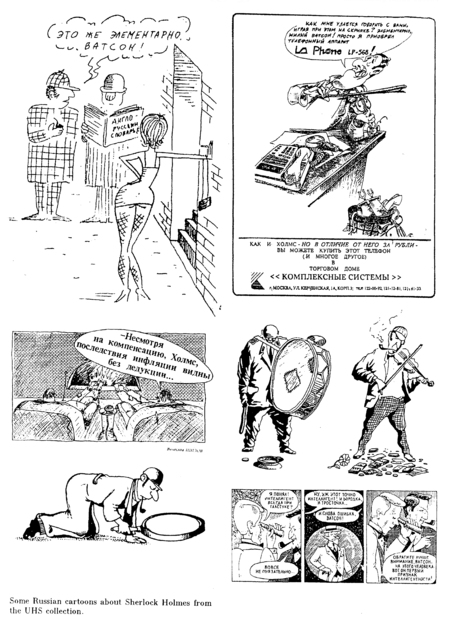
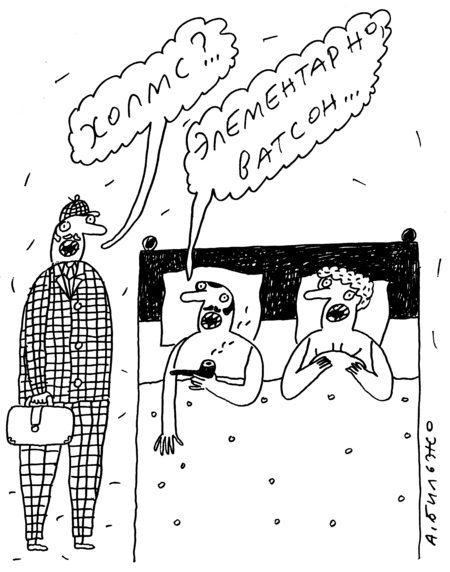
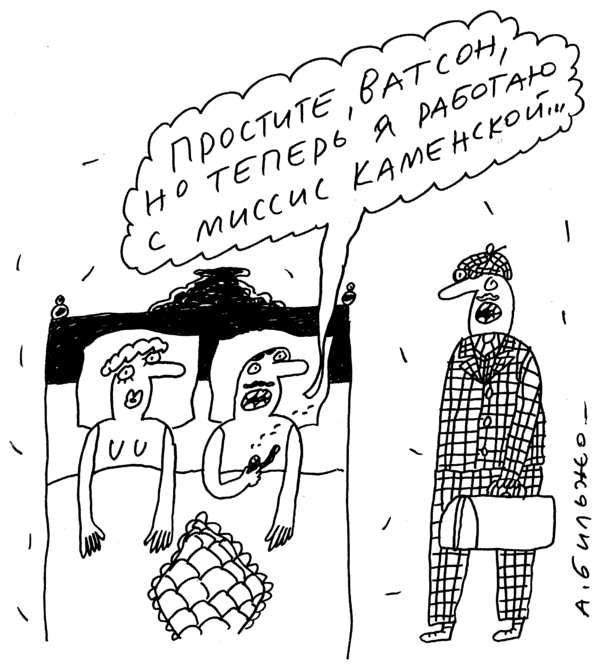
Шерлок Холмс и доктор Ватсон в советской и российской карикатуре
Исходный размер 2022x1513
Исходный размер 1722x722
Исходный размер 2094x877
Исходный размер 1280x720
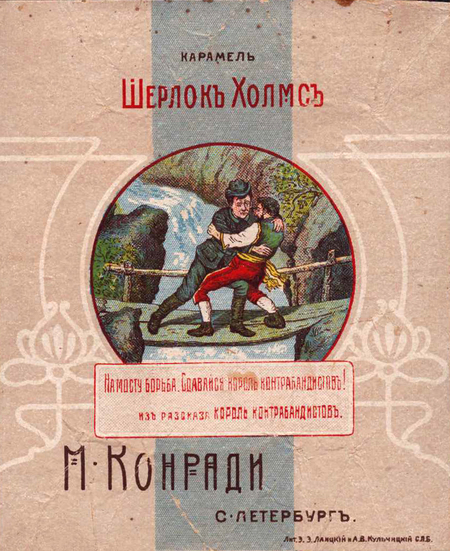
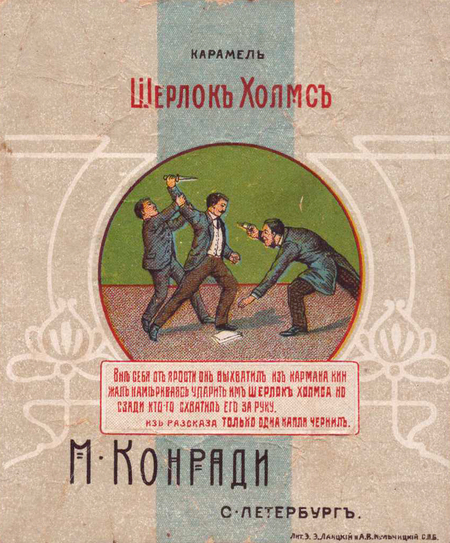
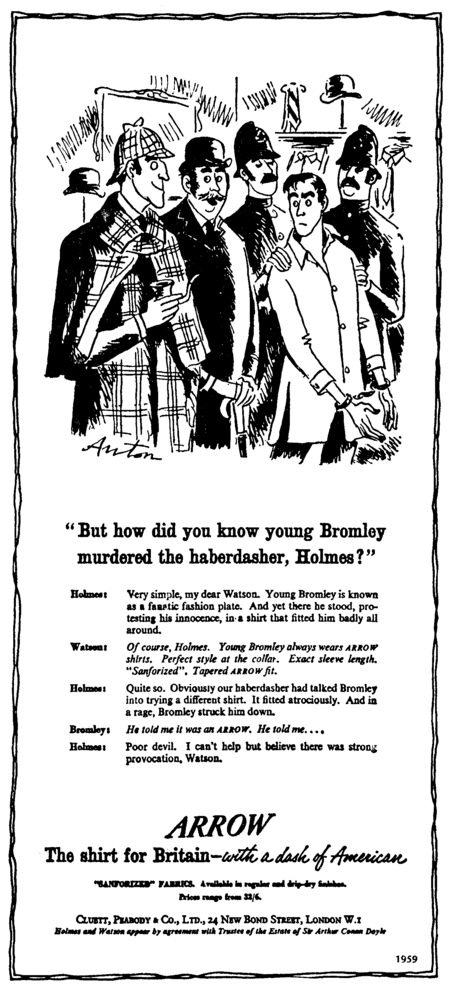
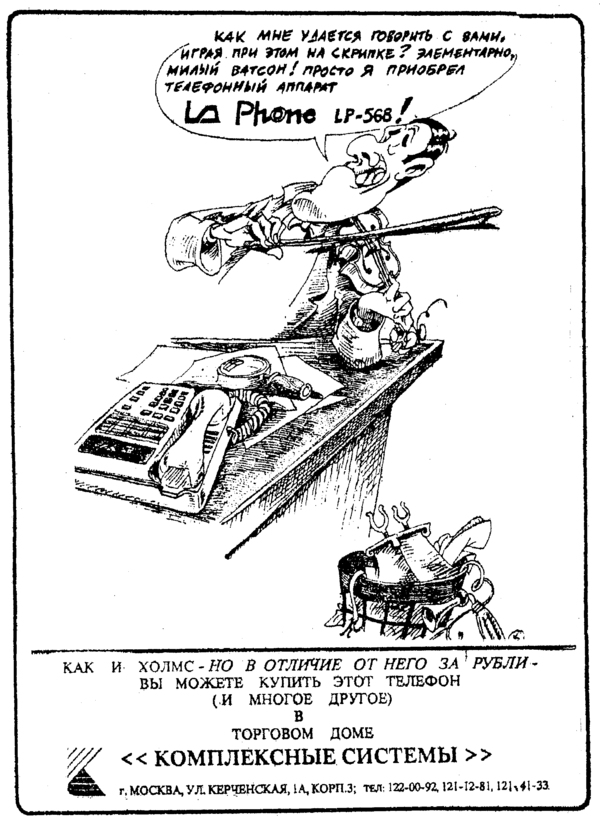
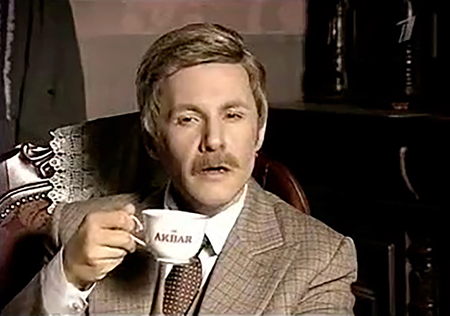
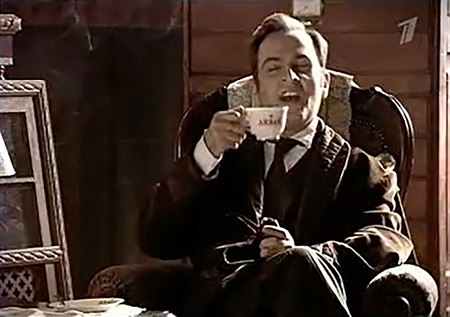
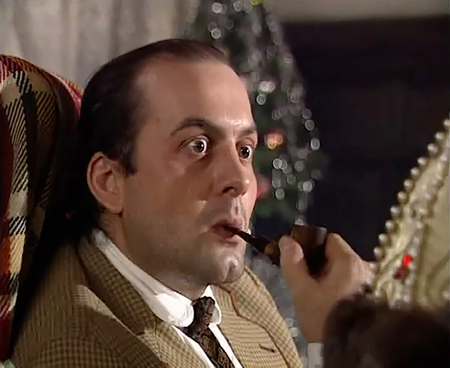
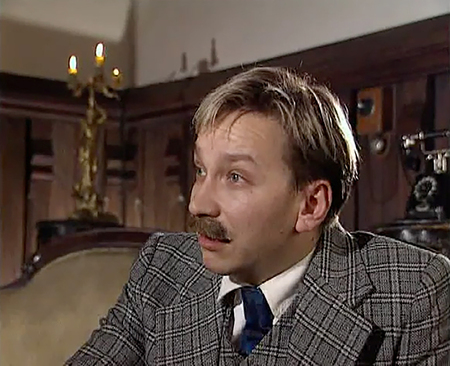
Шерлок Холмс в рекламе
Исходный размер 1928x2712
Издания анекдотов о Шерлоке Холмсе и докторе Ватсоне
Исходный размер 2094x1571
Исходный размер 2000x1401
Исходный размер 1280x720
Исходный размер 1280x720
Исходный размер 1280x720
Исходный размер 720x576
Исходный размер 1027x576
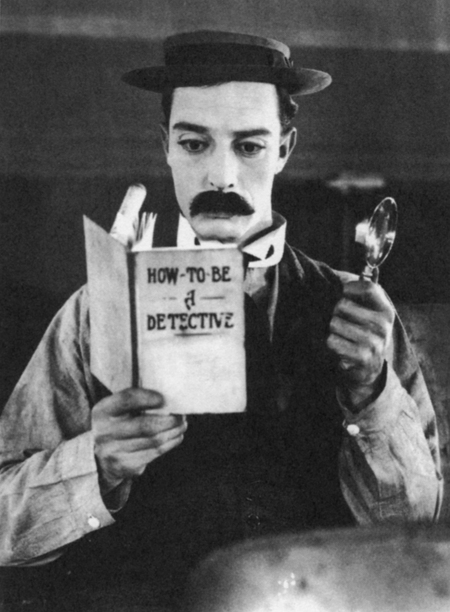
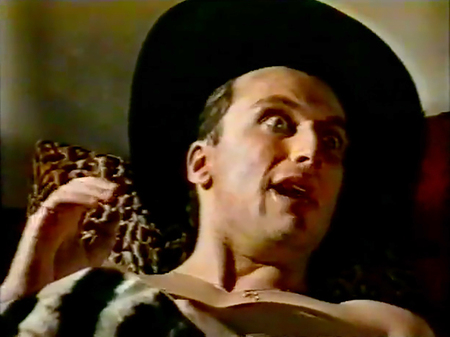
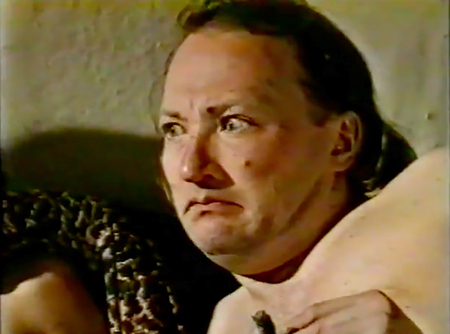
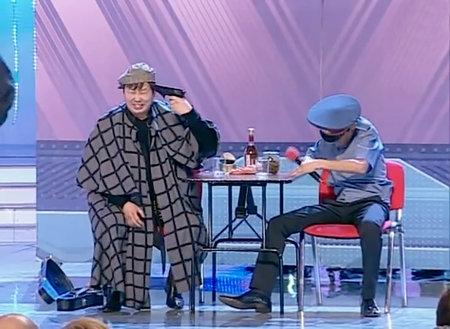
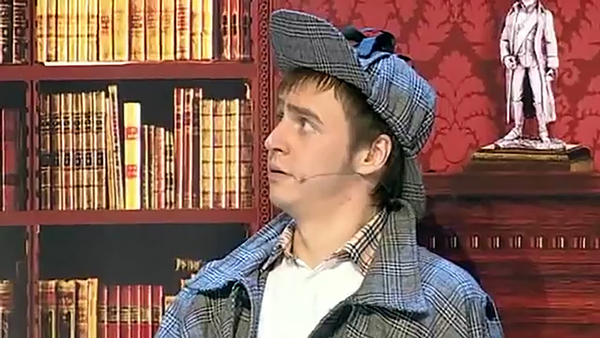
Пародии на Шерлока Холмса
Герои советского сериала «Шерлок Холмс и доктор Ватсон»
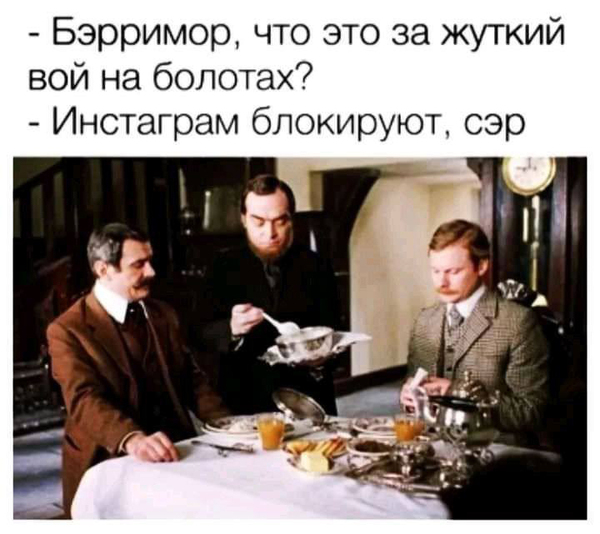
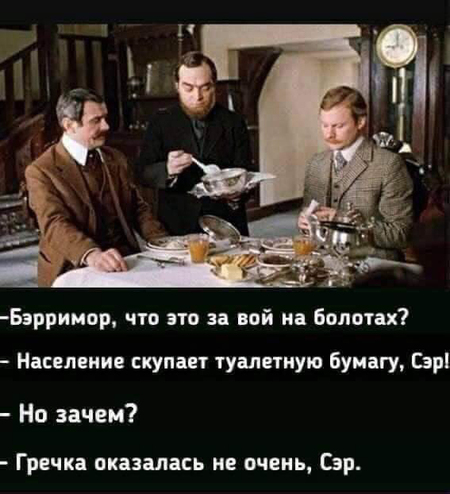
в интернет-фольклоре
Исходный размер 2356x3212
Музей, организованный для иностранных туристов,
на Бейкер-стрит в Лондоне
Исходный размер 1856x1322
Исходный размер 1726x2104
Мемориальная выставка на Бейкер-стрит
во время фестиваля «Британия». 1951
Исходный размер 2355x1805
Квартира на Бейкер-стрит в серии фильмов Би-Би-Си. 1940-е
Исходный размер 3264x2448
Музей Шерлока Холмса в пабе «Шерлок Холмс», Лондон
Исходный размер 3264x2448
Музей Шерлока Холмса в Люсане, Швейцария
Исходный размер 3264x2448
Музей Шерлока Холмса в Мейрингене, Швейцария
Исходный размер 2560x1707
Музей Шерлока Холмса на Бейкер-стрит, Лондон
Исходный размер 4268x3156
Музей Шерлока Холмса в Лос-Анжелесе, США
Исходный размер 1751x1374
Музей Шерлока Холмса в Евпатории. 1990-е
Исходный размер 3160x2327
Памятник Шерлоку Холмсу в Мейрингене, Швейцария
Исходный размер 2892x2164
Мемориальная доска в Мейрингене, Швейцария
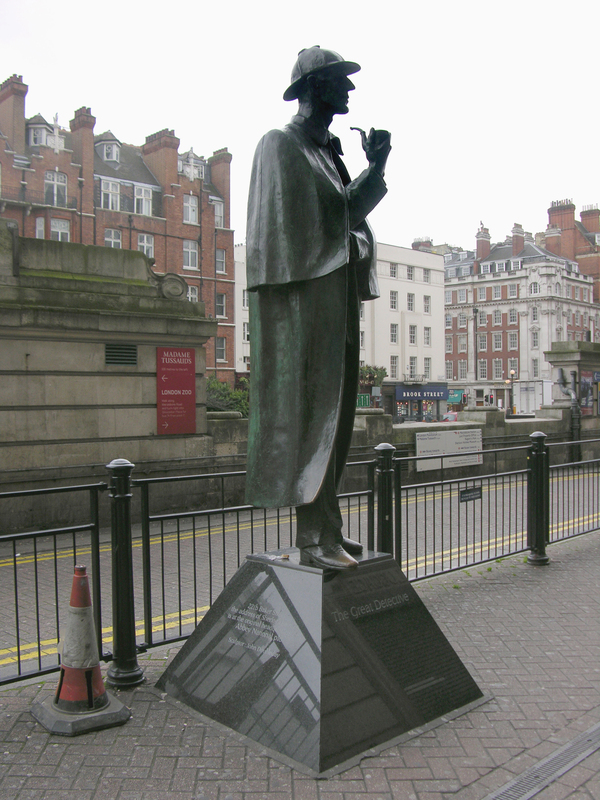
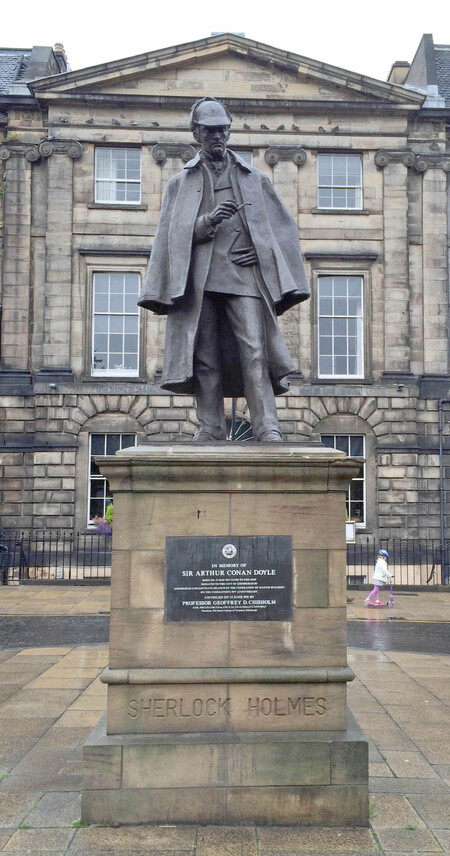
Памятники Шерлоку Холмсу в Лондоне и Эдинбурге, Великобритания
Мемориальная доска в Риге, Латвия.
Статуя в Уорикшире, Великобритания
Исходный размер 3872x2592
Статуя Шерлока Холмса в Каруизаве, Япония
Исходный размер 3872x2592
Исходный размер 3872x2592
Исходный размер 3872x2592
Открытие статуи Шерлока Холмса и доктора Ватсона в Москве
Исходный размер 3872x2592
Исходный размер 3872x2592
Исходный размер 3782x2496
Открытие статуи Шерлока Холмса и доктора Ватсона в Москве
Исходный размер 2021x756
Исходный размер 3508x2480
Исходный размер 4889x3269
Разворот 1-го выпуска
газеты «Элементарно, Ватсон!».
1991
Исходный размер 3360x2322
Исходный размер 3372x2368
Исходный размер 3296x2292
Исходный размер 3300x2304
Исходный размер 3303x2297
Исходный размер 3310x2312
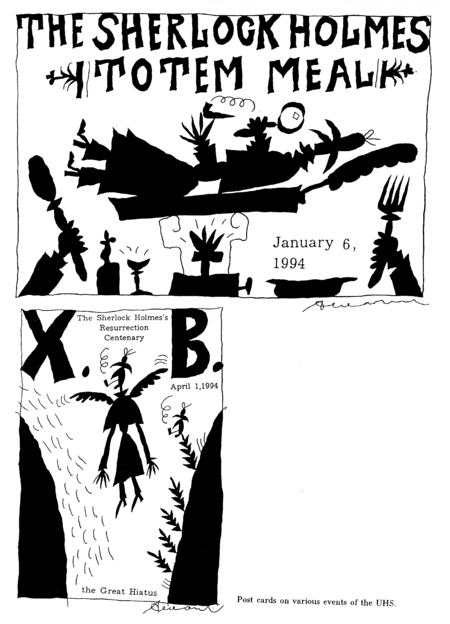
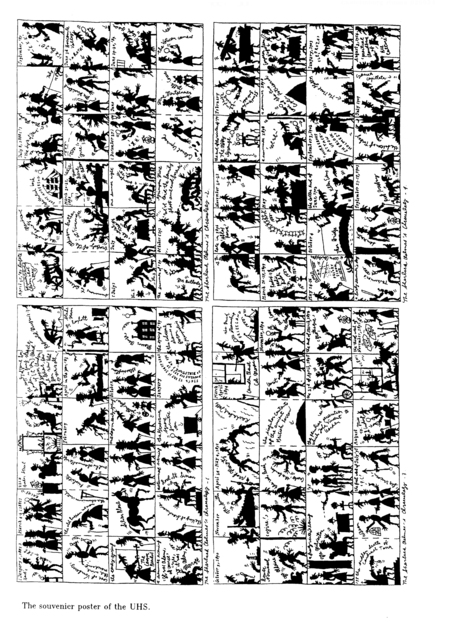
Иллюстрации к изданиям Уральского Холмсианского общества.
1990-е
Исходный размер 2033x1370
Исходный размер 2058x1314
Переводчик Игорь Богданов,
первый лауреат Уотсоновской литературной премии
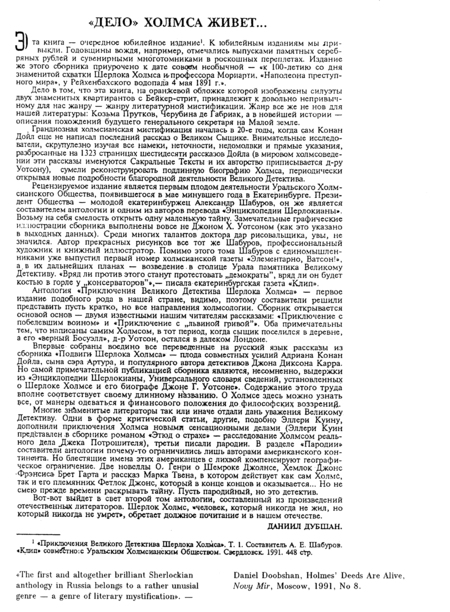
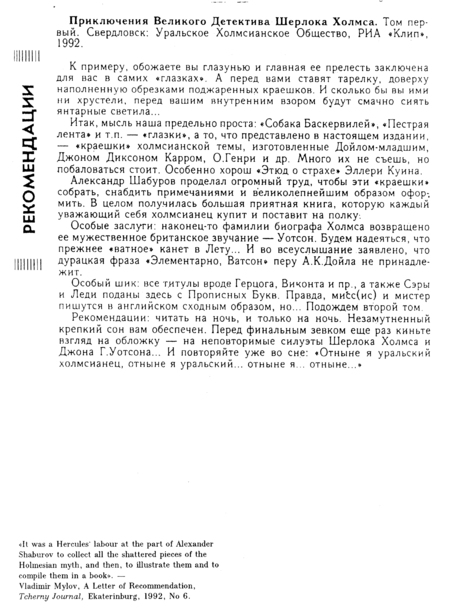
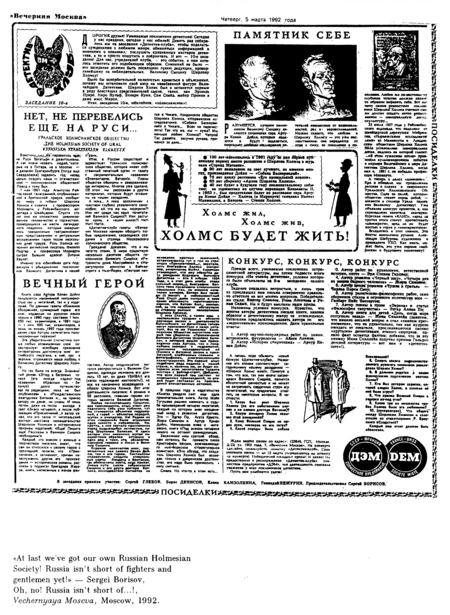
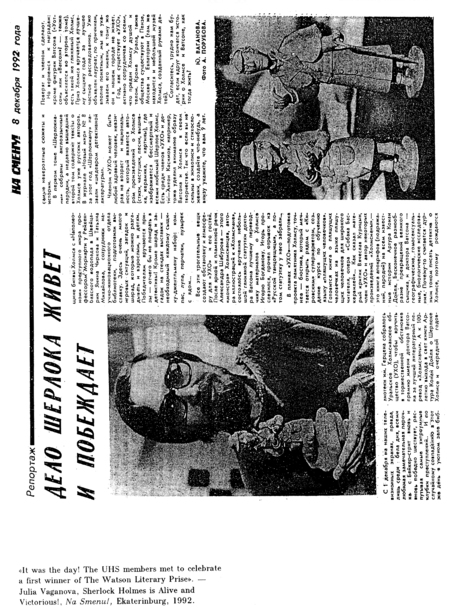
Публикации об Уральском Холмсианском обществе. 1991–1999
Издания российских исследователей
Михаила Трушина, Антона Лапудева, Светозара Чернова
Иллюстрации Александра Флоренского. 2008
Иллюстрации Ольги Флоренской. 2008
Исходный размер 3200x2324
Исходный размер 2869x2111
Исходный размер 2946x2358
Исходный размер 3570x2585
Исходный размер 3355x2606
Рисунки Леонида Тишкова. 2008
Комикс Георгия Литичевского. 2008
Исходный размер 4709x3244
Исходный размер 4757x3226
Исходный размер 4769x3178
Исходный размер 4763x3238
Исходный размер 4763x3094
Исходный размер 4763x3238
Исходный размер 4781x3238
Исходный размер 4607x3100
Исходный размер 4757x3226
Исходный размер 4787x3262
Исходный размер 4775x3250
Исходный размер 4775x3244
Исходный размер 4769x3256
Исходный размер 4739x3292
Исходный размер 4787x3232
Исходный размер 4775x3214
Исходный размер 4781x3250
Исходный размер 4787x3250
Исходный размер 4781x3226
Исходный размер 4775x3232
Выставка «Занимательное холмсоведение»
на Московском книжном фестивале в ЦДХ. 2008
Исходный размер 3264x2448
Исходный размер 3872x2592
Исходный размер 3264x2448
Исходный размер 2592x3744
Исходный размер 3872x2592
Исходный размер 3872x2592
Исходный размер 3872x2592
Исходный размер 3872x2592
Исходный размер 3723x2592
Установка памятника Шерлоку Холмсу и доктору Ватсону
на Смоленской набережной в Москве.
Скульптор Андрей Орлов. 2007
Press space bar to start a drag.
When dragging you can use the arrow keys to move the item around and escape to cancel.
Some screen readers may require you to be in focus mode or to use your pass through key
Press space bar to start a drag.
When dragging you can use the arrow keys to move the item around and escape to cancel.
Some screen readers may require you to be in focus mode or to use your pass through key
Press space bar to start a drag.
When dragging you can use the arrow keys to move the item around and escape to cancel.
Some screen readers may require you to be in focus mode or to use your pass through key
Press space bar to start a drag.
When dragging you can use the arrow keys to move the item around and escape to cancel.
Some screen readers may require you to be in focus mode or to use your pass through key
Press space bar to start a drag.
When dragging you can use the arrow keys to move the item around and escape to cancel.
Some screen readers may require you to be in focus mode or to use your pass through key
Press space bar to start a drag.
When dragging you can use the arrow keys to move the item around and escape to cancel.
Some screen readers may require you to be in focus mode or to use your pass through key
Press space bar to start a drag.
When dragging you can use the arrow keys to move the item around and escape to cancel.
Some screen readers may require you to be in focus mode or to use your pass through key
Press space bar to start a drag.
When dragging you can use the arrow keys to move the item around and escape to cancel.
Some screen readers may require you to be in focus mode or to use your pass through key
Press space bar to start a drag.
When dragging you can use the arrow keys to move the item around and escape to cancel.
Some screen readers may require you to be in focus mode or to use your pass through key
Press space bar to start a drag.
When dragging you can use the arrow keys to move the item around and escape to cancel.
Some screen readers may require you to be in focus mode or to use your pass through key
Press space bar to start a drag.
When dragging you can use the arrow keys to move the item around and escape to cancel.
Some screen readers may require you to be in focus mode or to use your pass through key
Press space bar to start a drag.
When dragging you can use the arrow keys to move the item around and escape to cancel.
Some screen readers may require you to be in focus mode or to use your pass through key
Press space bar to start a drag.
When dragging you can use the arrow keys to move the item around and escape to cancel.
Some screen readers may require you to be in focus mode or to use your pass through key
Press space bar to start a drag.
When dragging you can use the arrow keys to move the item around and escape to cancel.
Some screen readers may require you to be in focus mode or to use your pass through key
Press space bar to start a drag.
When dragging you can use the arrow keys to move the item around and escape to cancel.
Some screen readers may require you to be in focus mode or to use your pass through key
Press space bar to start a drag.
When dragging you can use the arrow keys to move the item around and escape to cancel.
Some screen readers may require you to be in focus mode or to use your pass through key
Press space bar to start a drag.
When dragging you can use the arrow keys to move the item around and escape to cancel.
Some screen readers may require you to be in focus mode or to use your pass through key
Press space bar to start a drag.
When dragging you can use the arrow keys to move the item around and escape to cancel.
Some screen readers may require you to be in focus mode or to use your pass through key
Press space bar to start a drag.
When dragging you can use the arrow keys to move the item around and escape to cancel.
Some screen readers may require you to be in focus mode or to use your pass through key
Press space bar to start a drag.
When dragging you can use the arrow keys to move the item around and escape to cancel.
Some screen readers may require you to be in focus mode or to use your pass through key
Press space bar to start a drag.
When dragging you can use the arrow keys to move the item around and escape to cancel.
Some screen readers may require you to be in focus mode or to use your pass through key
Press space bar to start a drag.
When dragging you can use the arrow keys to move the item around and escape to cancel.
Some screen readers may require you to be in focus mode or to use your pass through key
Press space bar to start a drag.
When dragging you can use the arrow keys to move the item around and escape to cancel.
Some screen readers may require you to be in focus mode or to use your pass through key
Press space bar to start a drag.
When dragging you can use the arrow keys to move the item around and escape to cancel.
Some screen readers may require you to be in focus mode or to use your pass through key
Press space bar to start a drag.
When dragging you can use the arrow keys to move the item around and escape to cancel.
Some screen readers may require you to be in focus mode or to use your pass through key
Press space bar to start a drag.
When dragging you can use the arrow keys to move the item around and escape to cancel.
Some screen readers may require you to be in focus mode or to use your pass through key
Press space bar to start a drag.
When dragging you can use the arrow keys to move the item around and escape to cancel.
Some screen readers may require you to be in focus mode or to use your pass through key
Press space bar to start a drag.
When dragging you can use the arrow keys to move the item around and escape to cancel.
Some screen readers may require you to be in focus mode or to use your pass through key
Press space bar to start a drag.
When dragging you can use the arrow keys to move the item around and escape to cancel.
Some screen readers may require you to be in focus mode or to use your pass through key
Press space bar to start a drag.
When dragging you can use the arrow keys to move the item around and escape to cancel.
Some screen readers may require you to be in focus mode or to use your pass through key
Press space bar to start a drag.
When dragging you can use the arrow keys to move the item around and escape to cancel.
Some screen readers may require you to be in focus mode or to use your pass through key
Press space bar to start a drag.
When dragging you can use the arrow keys to move the item around and escape to cancel.
Some screen readers may require you to be in focus mode or to use your pass through key
Press space bar to start a drag.
When dragging you can use the arrow keys to move the item around and escape to cancel.
Some screen readers may require you to be in focus mode or to use your pass through key
Press space bar to start a drag.
When dragging you can use the arrow keys to move the item around and escape to cancel.
Some screen readers may require you to be in focus mode or to use your pass through key
Press space bar to start a drag.
When dragging you can use the arrow keys to move the item around and escape to cancel.
Some screen readers may require you to be in focus mode or to use your pass through key
Press space bar to start a drag.
When dragging you can use the arrow keys to move the item around and escape to cancel.
Some screen readers may require you to be in focus mode or to use your pass through key
Press space bar to start a drag.
When dragging you can use the arrow keys to move the item around and escape to cancel.
Some screen readers may require you to be in focus mode or to use your pass through key
Press space bar to start a drag.
When dragging you can use the arrow keys to move the item around and escape to cancel.
Some screen readers may require you to be in focus mode or to use your pass through key
Press space bar to start a drag.
When dragging you can use the arrow keys to move the item around and escape to cancel.
Some screen readers may require you to be in focus mode or to use your pass through key
Press space bar to start a drag.
When dragging you can use the arrow keys to move the item around and escape to cancel.
Some screen readers may require you to be in focus mode or to use your pass through key
Press space bar to start a drag.
When dragging you can use the arrow keys to move the item around and escape to cancel.
Some screen readers may require you to be in focus mode or to use your pass through key
Press space bar to start a drag.
When dragging you can use the arrow keys to move the item around and escape to cancel.
Some screen readers may require you to be in focus mode or to use your pass through key
Press space bar to start a drag.
When dragging you can use the arrow keys to move the item around and escape to cancel.
Some screen readers may require you to be in focus mode or to use your pass through key
Press space bar to start a drag.
When dragging you can use the arrow keys to move the item around and escape to cancel.
Some screen readers may require you to be in focus mode or to use your pass through key
Press space bar to start a drag.
When dragging you can use the arrow keys to move the item around and escape to cancel.
Some screen readers may require you to be in focus mode or to use your pass through key
Press space bar to start a drag.
When dragging you can use the arrow keys to move the item around and escape to cancel.
Some screen readers may require you to be in focus mode or to use your pass through key
Press space bar to start a drag.
When dragging you can use the arrow keys to move the item around and escape to cancel.
Some screen readers may require you to be in focus mode or to use your pass through key
Press space bar to start a drag.
When dragging you can use the arrow keys to move the item around and escape to cancel.
Some screen readers may require you to be in focus mode or to use your pass through key
Press space bar to start a drag.
When dragging you can use the arrow keys to move the item around and escape to cancel.
Some screen readers may require you to be in focus mode or to use your pass through key
Press space bar to start a drag.
When dragging you can use the arrow keys to move the item around and escape to cancel.
Some screen readers may require you to be in focus mode or to use your pass through key
Press space bar to start a drag.
When dragging you can use the arrow keys to move the item around and escape to cancel.
Some screen readers may require you to be in focus mode or to use your pass through key
Press space bar to start a drag.
When dragging you can use the arrow keys to move the item around and escape to cancel.
Some screen readers may require you to be in focus mode or to use your pass through key
Press space bar to start a drag.
When dragging you can use the arrow keys to move the item around and escape to cancel.
Some screen readers may require you to be in focus mode or to use your pass through key
Press space bar to start a drag.
When dragging you can use the arrow keys to move the item around and escape to cancel.
Some screen readers may require you to be in focus mode or to use your pass through key
Press space bar to start a drag.
When dragging you can use the arrow keys to move the item around and escape to cancel.
Some screen readers may require you to be in focus mode or to use your pass through key
Press space bar to start a drag.
When dragging you can use the arrow keys to move the item around and escape to cancel.
Some screen readers may require you to be in focus mode or to use your pass through key
Press space bar to start a drag.
When dragging you can use the arrow keys to move the item around and escape to cancel.
Some screen readers may require you to be in focus mode or to use your pass through key
Press space bar to start a drag.
When dragging you can use the arrow keys to move the item around and escape to cancel.
Some screen readers may require you to be in focus mode or to use your pass through key
Press space bar to start a drag.
When dragging you can use the arrow keys to move the item around and escape to cancel.
Some screen readers may require you to be in focus mode or to use your pass through key
Press space bar to start a drag.
When dragging you can use the arrow keys to move the item around and escape to cancel.
Some screen readers may require you to be in focus mode or to use your pass through key
Press space bar to start a drag.
When dragging you can use the arrow keys to move the item around and escape to cancel.
Some screen readers may require you to be in focus mode or to use your pass through key
Press space bar to start a drag.
When dragging you can use the arrow keys to move the item around and escape to cancel.
Some screen readers may require you to be in focus mode or to use your pass through key
Press space bar to start a drag.
When dragging you can use the arrow keys to move the item around and escape to cancel.
Some screen readers may require you to be in focus mode or to use your pass through key
Press space bar to start a drag.
When dragging you can use the arrow keys to move the item around and escape to cancel.
Some screen readers may require you to be in focus mode or to use your pass through key
Press space bar to start a drag.
When dragging you can use the arrow keys to move the item around and escape to cancel.
Some screen readers may require you to be in focus mode or to use your pass through key
Press space bar to start a drag.
When dragging you can use the arrow keys to move the item around and escape to cancel.
Some screen readers may require you to be in focus mode or to use your pass through key
Press space bar to start a drag.
When dragging you can use the arrow keys to move the item around and escape to cancel.
Some screen readers may require you to be in focus mode or to use your pass through key
Press space bar to start a drag.
When dragging you can use the arrow keys to move the item around and escape to cancel.
Some screen readers may require you to be in focus mode or to use your pass through key
Press space bar to start a drag.
When dragging you can use the arrow keys to move the item around and escape to cancel.
Some screen readers may require you to be in focus mode or to use your pass through key
Press space bar to start a drag.
When dragging you can use the arrow keys to move the item around and escape to cancel.
Some screen readers may require you to be in focus mode or to use your pass through key