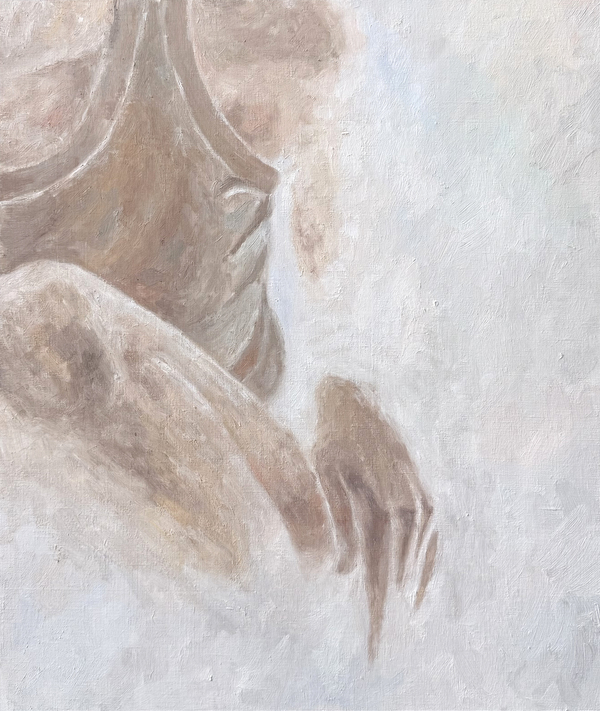
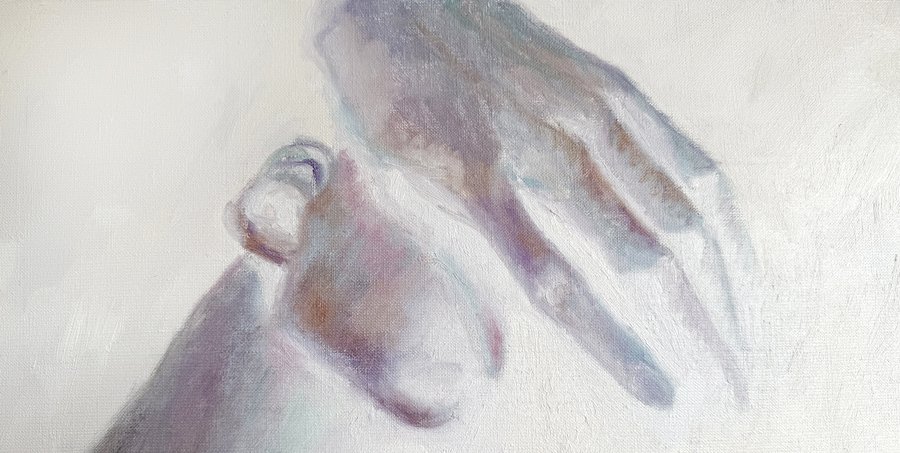
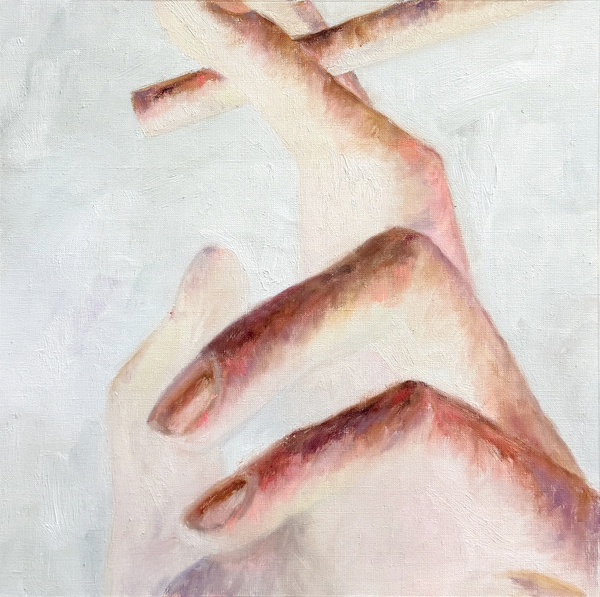
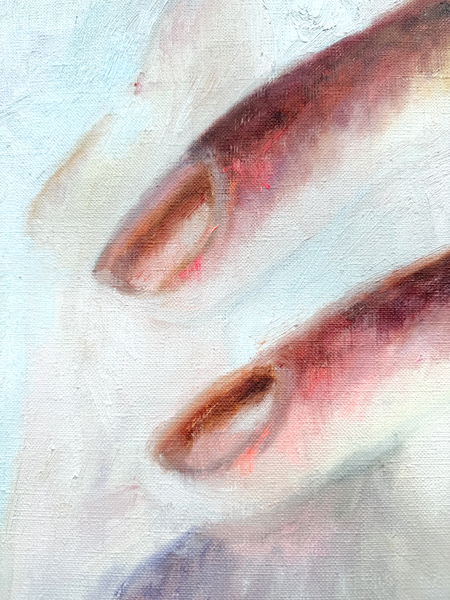
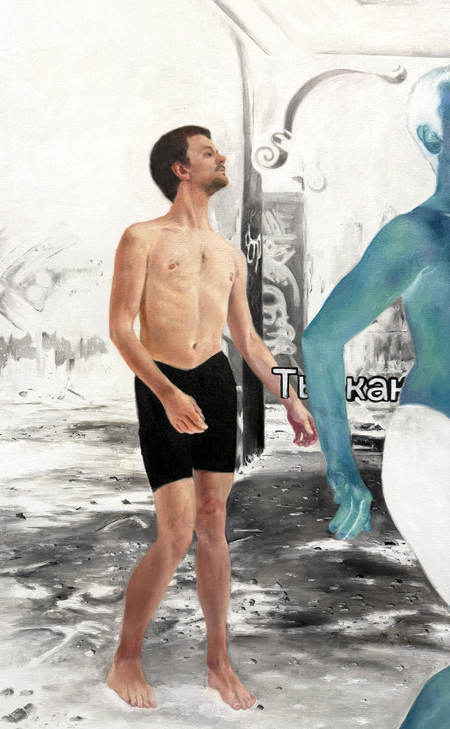
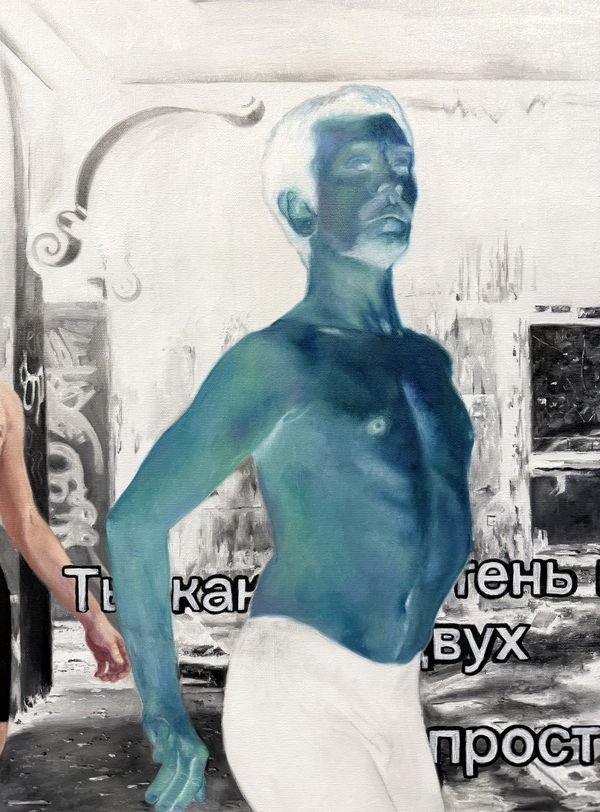
В третьем модуле первого курса работа в мастерской была сосредоточена на поиске идей и смыслов, которые становятся основой для дальнейших художественных высказываний. Через эксперименты в живописном и визуальном языке исследовались разные способы изображения и передачи настроения. Создавались эскизы на различные темы, позволяющие наметить направления будущих работ и расширить границы визуального поиска.
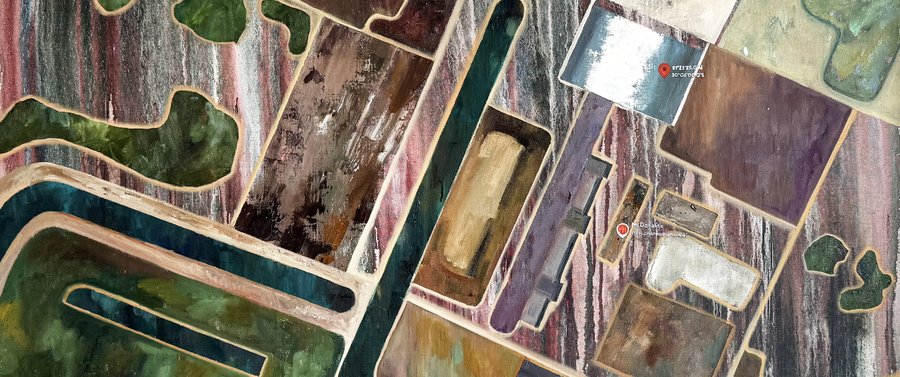
Мультивселенные, холст, масло, 110 на 97 см
Исходный размер 3627x2577
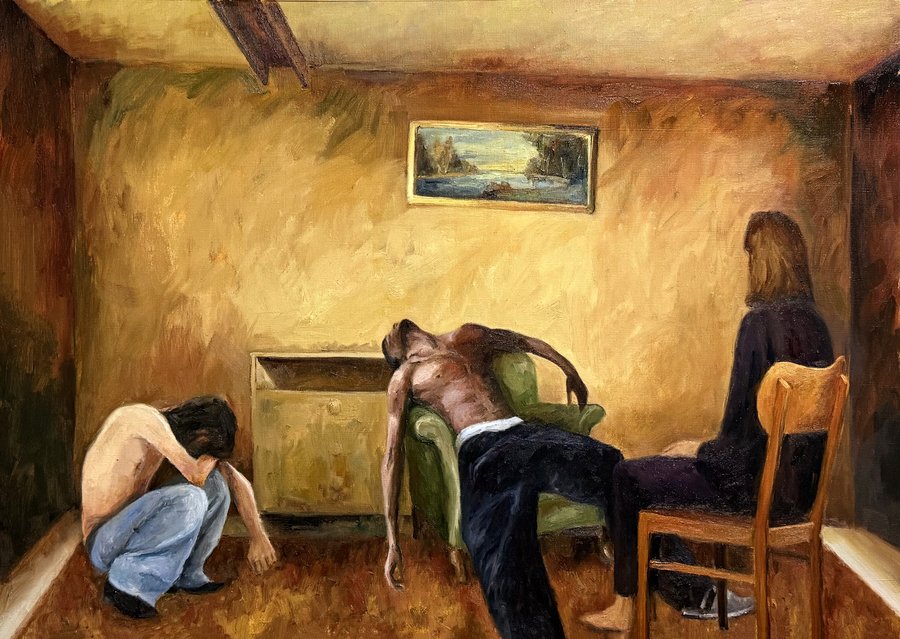
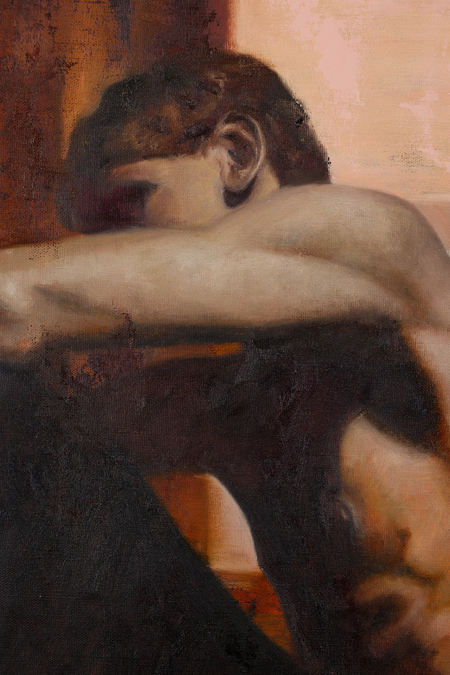
Ситуация, холст, масло, 69 на 99 см
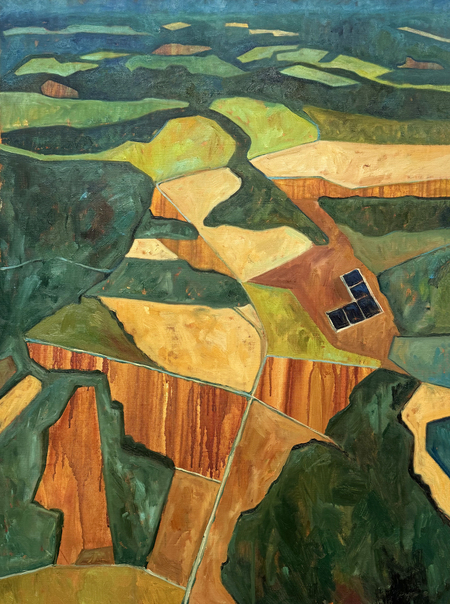
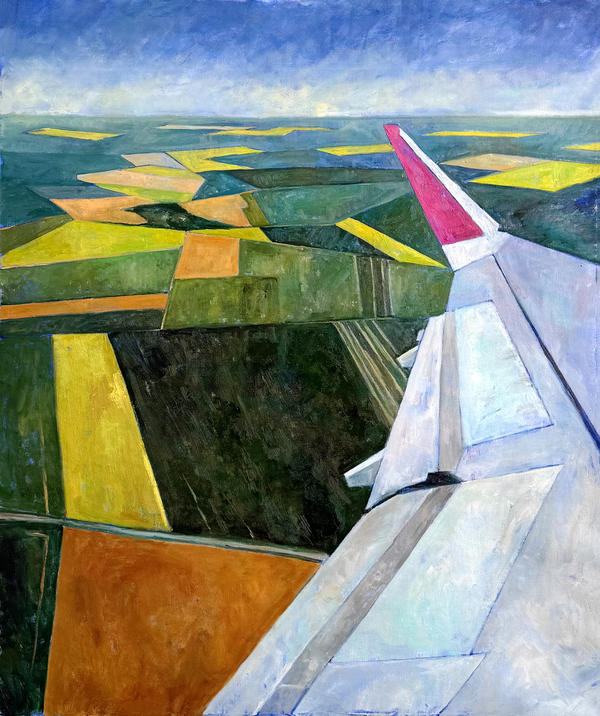
Левая: Пейзаж, холст, масло, 89 на 65 см, правая: Крыло, холст, масло, 110 на 93 см
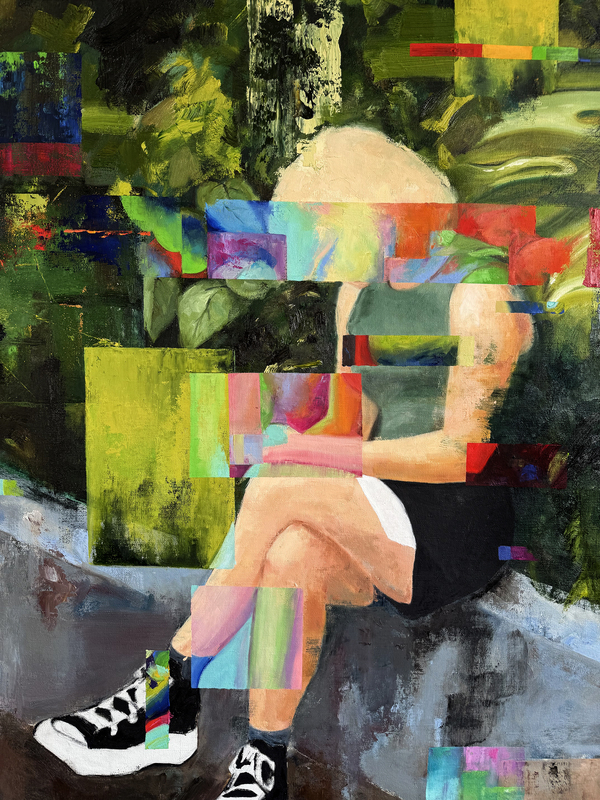
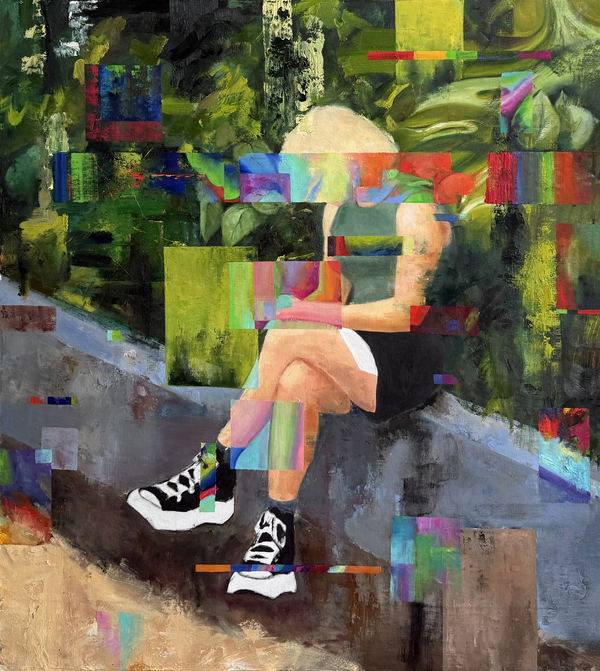
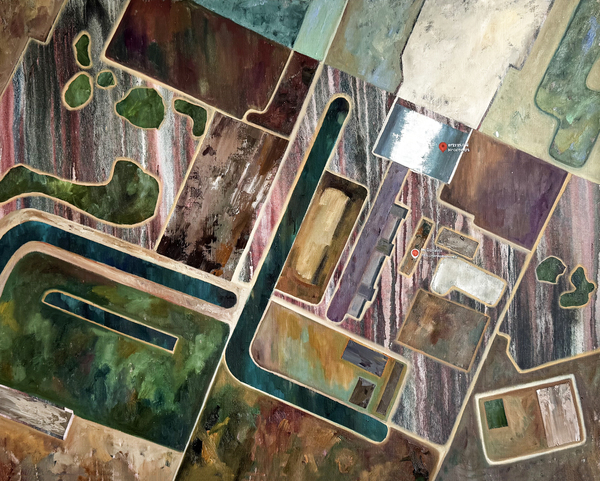
Метки, холст, масло, 81 на 100 см
Исходный размер 3488x1460
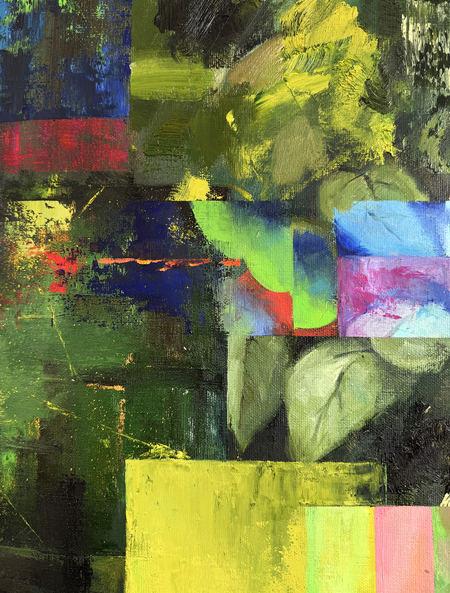
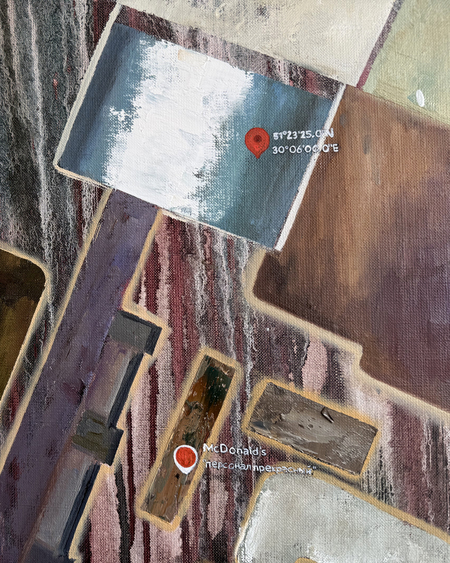
Метки, фрагмент
Бессонница, холст, масло, 65 на 73 см
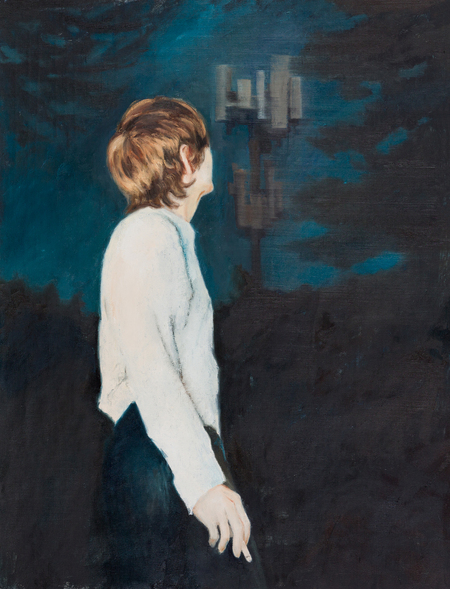
Прогулка, холст, масло, 84 на 65 см
Левая: Молчание, холст, масло, 90 на 55 см, правая: Пауза, холст, масло, 66 на 56 см
Исходный размер 3000x1510
Молчание, фрагмент
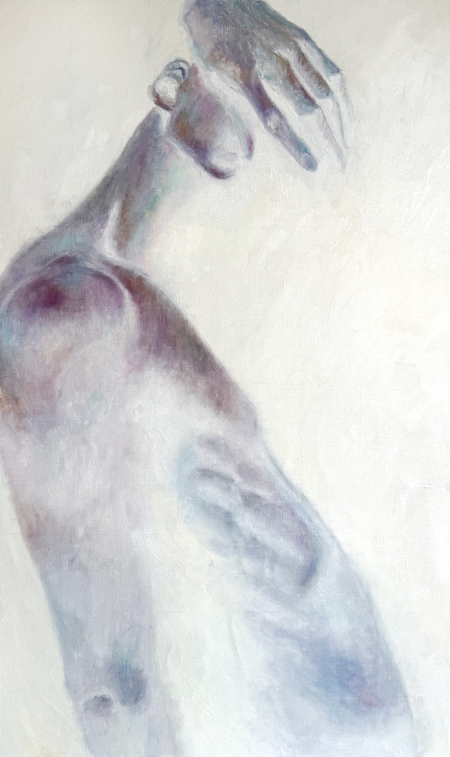
Жест, холст, масло, 45 на 45 см
Исходный размер 4386x2846
Композиция 1, холст, масло, 93 на 142 см
Композиция 1, фрагмент
Современная живопись. Работа в мастерской. 3ий модуль
Press space bar to start a drag.
When dragging you can use the arrow keys to move the item around and escape to cancel.
Some screen readers may require you to be in focus mode or to use your pass through key
Press space bar to start a drag.
When dragging you can use the arrow keys to move the item around and escape to cancel.
Some screen readers may require you to be in focus mode or to use your pass through key
Press space bar to start a drag.
When dragging you can use the arrow keys to move the item around and escape to cancel.
Some screen readers may require you to be in focus mode or to use your pass through key
Press space bar to start a drag.
When dragging you can use the arrow keys to move the item around and escape to cancel.
Some screen readers may require you to be in focus mode or to use your pass through key
Press space bar to start a drag.
When dragging you can use the arrow keys to move the item around and escape to cancel.
Some screen readers may require you to be in focus mode or to use your pass through key
Press space bar to start a drag.
When dragging you can use the arrow keys to move the item around and escape to cancel.
Some screen readers may require you to be in focus mode or to use your pass through key
Press space bar to start a drag.
When dragging you can use the arrow keys to move the item around and escape to cancel.
Some screen readers may require you to be in focus mode or to use your pass through key
Press space bar to start a drag.
When dragging you can use the arrow keys to move the item around and escape to cancel.
Some screen readers may require you to be in focus mode or to use your pass through key
Press space bar to start a drag.
When dragging you can use the arrow keys to move the item around and escape to cancel.
Some screen readers may require you to be in focus mode or to use your pass through key